ChatGPT Codex can automatically run tasks on a schedule.
This makes ChatGPT Codex proactive. Instead of waiting for you to come back and ask for an update, ChatGPT Codex can return at the scheduled time, do the work, and surface the result for you to review.
This is useful for recurring work, like preparing for the day, reviewing what changed, checking for updates, summarizing recent activity, or creating a weekly report.
For example, you might use a thread automation to:
- Write a weekly review every Friday
- Create a morning brief from yesterday's work
- Summarize new files added to a folder
- Clean up a weekly data export
- Check for missing or inconsistent information
- Create a recurring project status update
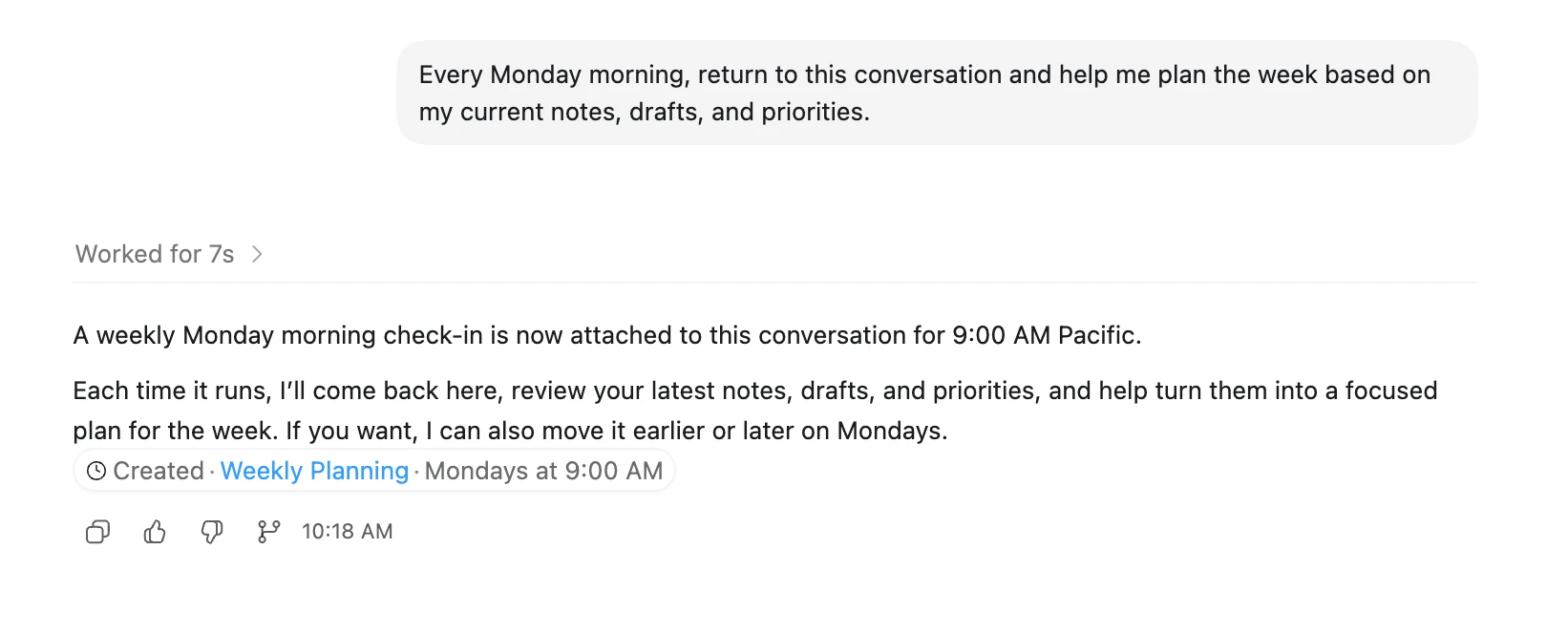
Some automations can also return to the same conversation and continue from the context already there. That is especially useful when you want ChatGPT Codex to pick up an ongoing task instead of starting fresh each time.
A good automation is specific, repeatable, and easy to review.
For example:
Or:
Note: If you're running ChatGPT Codex locally, automations work best when your laptop is awake and ChatGPT Codex is running.
Start by chatting back and forth with ChatGPT Codex to zero in on the exact kind of behavior and output you're looking for. Once ChatGPT Codex understands exactly what you need, turn that task into an automation.