- 能力
- Manage Instagram: publish posts, Reels and Stories; moderate comments; analyze reach, followers and engagement, Analyze Meta Ads (Facebook Ads) spend, CPA and ROAS, and create, edit or pause campaigns and ads, Analyze Google Search Console SEO clicks, impressions, CTR and average position, Analyze Google Analytics 4 (GA4) sessions, users, engagement and conversions, Analyze Google Ads performance, and create campaigns, ads and keywords or set budgets and bids, Analyze Google Business Profile views, searches, calls and direction requests, Analyze Facebook Pages organic reach, engagement, followers and post performance, Analyze public Instagram profiles, posts and engagement through Instagram Public, Analyze YouTube channel and video views, watch time and subscriber growth, Analyze TikTok organic video views, followers, likes, comments and shares, Analyze Google Merchant Center product feed issues, disapprovals and Shopping performance, Analyze LinkedIn company pages, follower growth, organic posts and engagement, Analyze TikTok Ads campaign, ad group and ad performance, Analyze Google Ad Manager reporting data, Analyze Amazon Ads campaign performance, Read Facebook Lead Ads form submissions and lead data, Analyze Threads organic account and post performance, Analyze LinkedIn Ads spend, clicks, conversions and campaign performance, Analyze Shopify sales, orders and product performance, Analyze Pinterest organic account and Pin performance
- 類別
- 營運
- 開發人員
- Windsor.ai
運作方式
Windsor.ai 將行銷與業務資料來源連接至你的 AI 助理,讓你用淺白的英語提問並執行操作。 它能從任何已連接的來源擷取成效資料,也能在支援的廣告與行銷平台上直接進行變更,例如暫停或啟用廣告活動、設定預算、建立 Google 商家檔案貼文或回覆評論,且一律會先取得你的確認。 常見工作流程: - 比較所有已連接廣告帳戶的支出、點擊次數與轉換次數 - 找出並暫停成效不佳的 Meta Ads、Google Ads、TikTok Ads、LinkedIn Ads 或 Microsoft Ads 廣告活動 - 使用你的 Instagram、Threads、Facebook 或 Google 商家檔案帳戶發文或回覆 - 將 GA4、Google Search Console 或 YouTube Analytics 資料直接帶入對話 - 同步 HubSpot、Salesforce 或 Shopify 記錄 - 更新 Klaviyo 流程或 Amazon 賣家平台的商品資訊 可連接超過 350 種資料來源,涵蓋廣告、分析、自然社群流量、CRM、電子商務、電子郵件與支付服務,包括 Google Ads、Meta (Facebook) Ads、Instagram、TikTok Ads、LinkedIn Ads、LinkedIn 公司專頁、Microsoft Ads (Bing)、GA4、Google Search Console、YouTube、Google 商家檔案、HubSpot、Salesforce、Shopify、Klaviyo、Amazon Ads、Google 商家中心、Stripe 及 GoHighLevel。 只需連接相關帳戶一次,即可讀取資料。進行變更(暫停廣告活動、發布內容、回覆評論)前,一律會先請你確認,且僅限於 Windsor 明確支援寫入存取的平台。其他所有已連接的來源均為唯讀。提供免費方案,無需信用卡。 Windsor.ai 為獨立產品,與其連接的平台並無關聯,也未獲這些平台背書。
你還能做些什麼?
檢視廣告成效
Windsor.ai 比較我各個廣告活動在過去 30 天的支出、點擊次數與轉換次數。標示歸因所缺少的背景資訊,並依優先順序列出值得深入調查的項目。
調查效益不佳的支出
Windsor.ai 找出上個月支出高但轉換成效不佳的廣告活動。說明判斷依據,並建議幾項後續檢查重點。
製作廣告活動報告
Windsor.ai 比較這個廣告活動上個月與前一個月的成果,並提供摘要。指出重大變化、團隊可能需要回答的問題,以及資料的侷限。
方案內容
應用程式
Windsor.ai
技能
- Amazon Ads via Windsor.ai
- Budget pacing
- Campaign launch
- Campaign management
- E-commerce report
- Facebook Pages via Windsor.ai
- Windsor.ai setup
- Google Ads via Windsor.ai
- 18 更多
資源
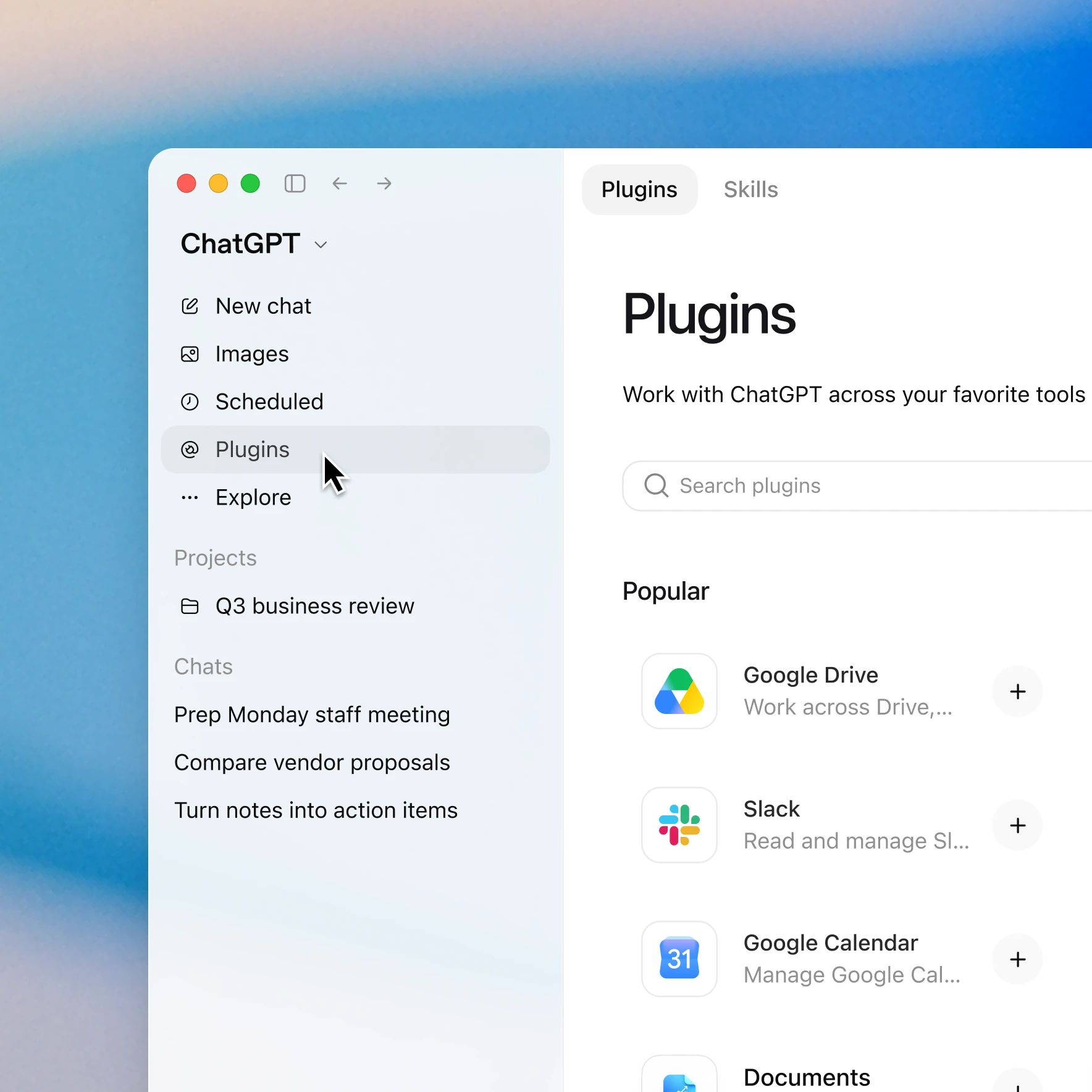
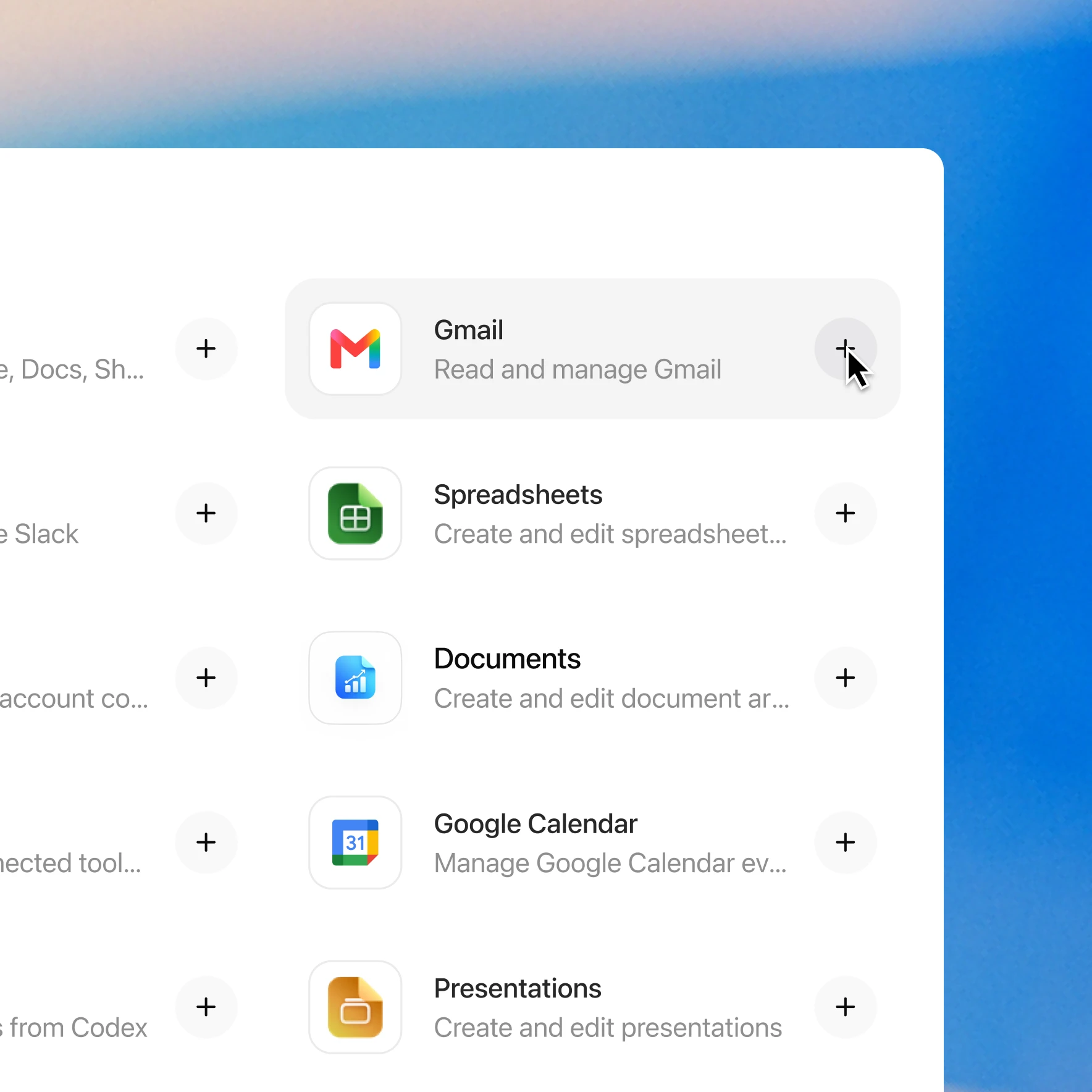
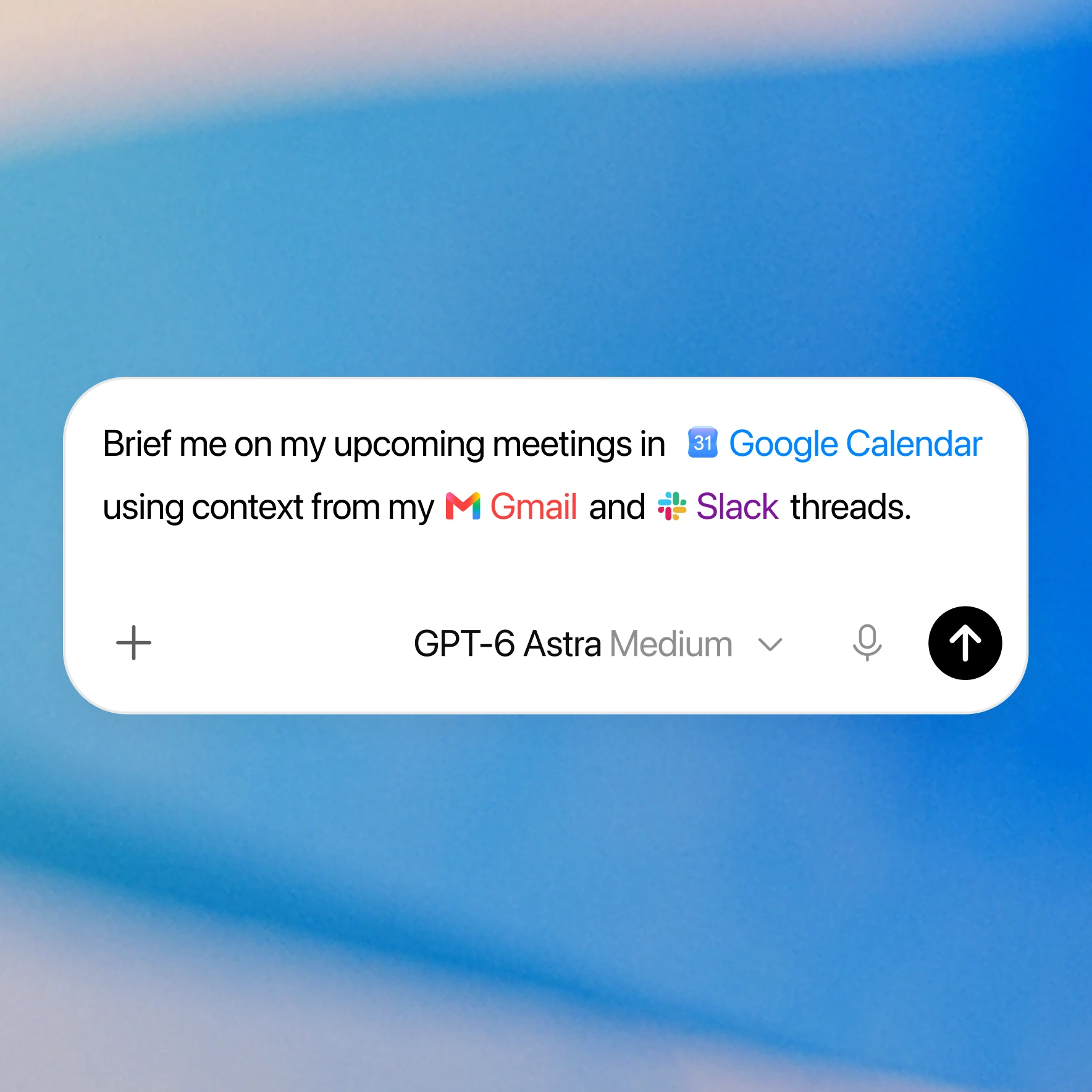
只需點擊幾下即可新增 Windsor.ai 外掛程式
可用性取決於特定外掛程式、你的訂閱方案及工作區設定。部分連線需要管理員進行設定或批准。若存取權限遭封鎖,請聯絡你的工作區管理員。