Connect your favorite business tools to ChatGPT
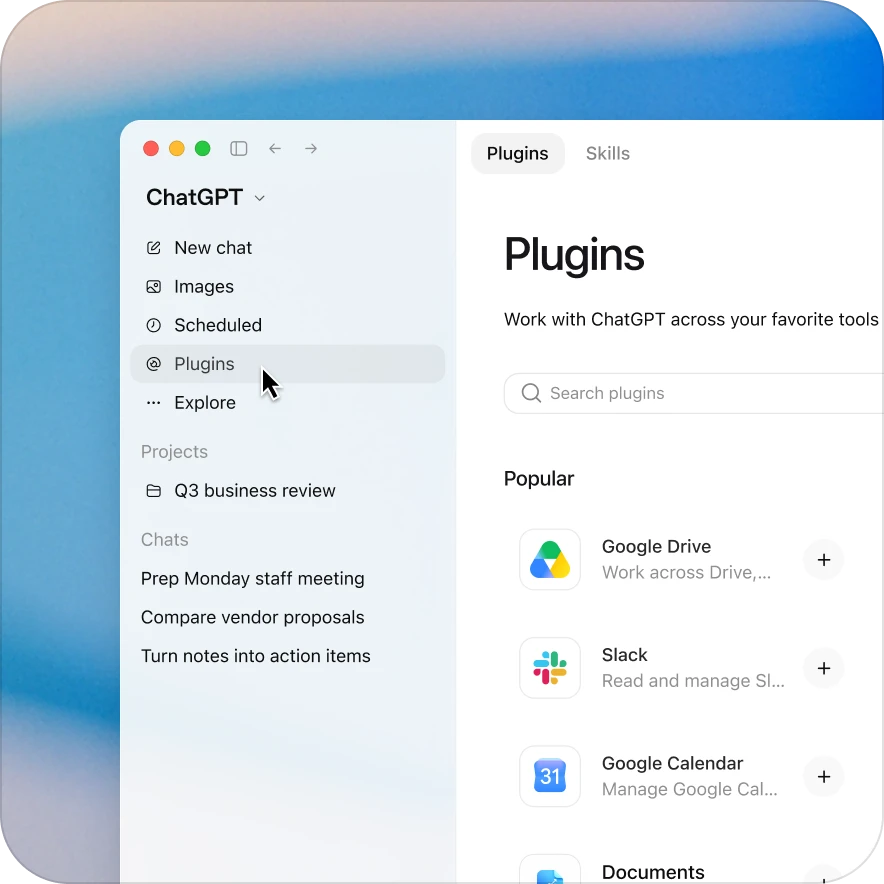
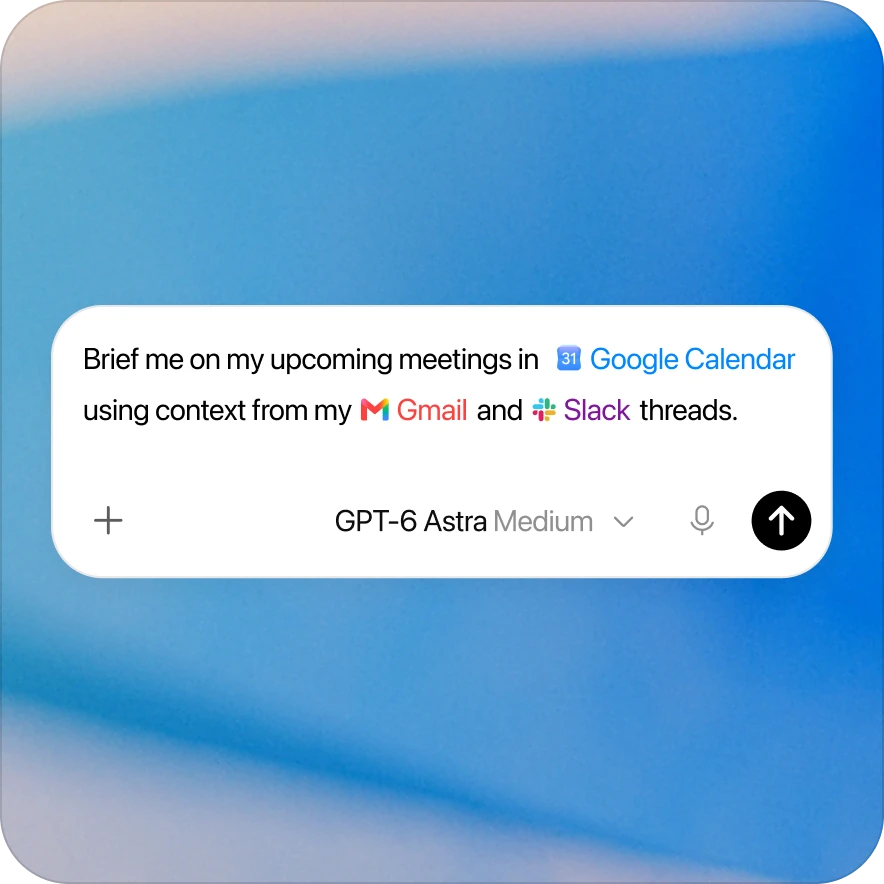
Connect the apps you love and the data you rely on right into ChatGPT with plugins.





Find a plugin for your next task
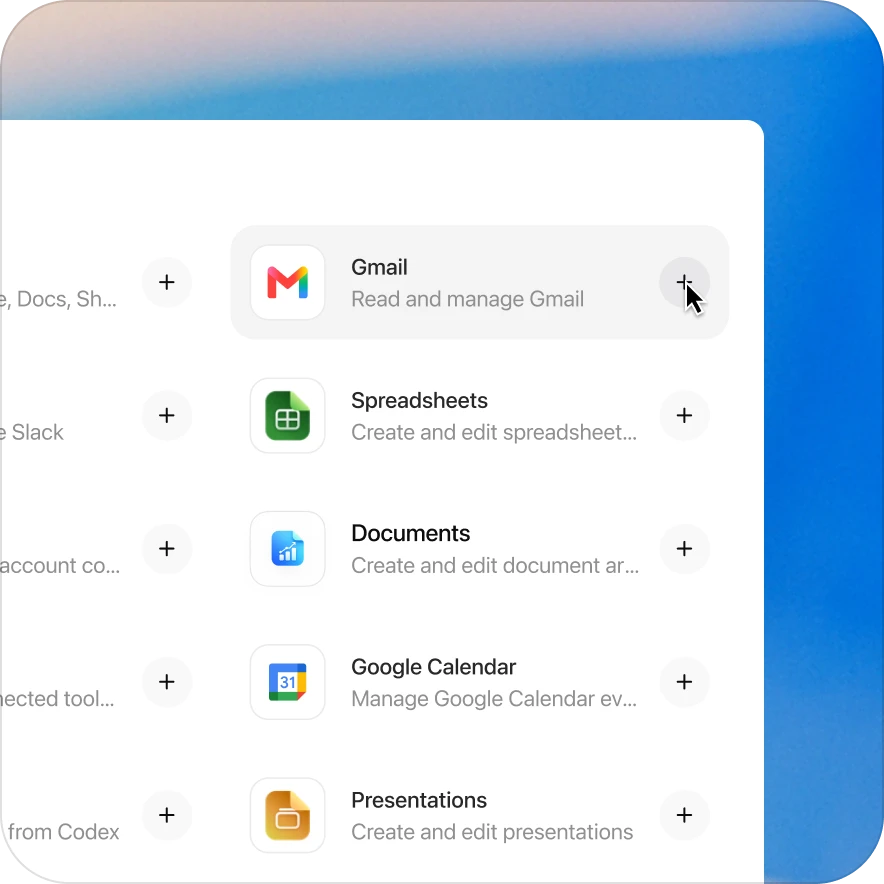
Gmail
Find and reference emails from your inbox
Google Drive
Search and reference files from your Drive
Google Calendar
Look up events and availability
Outlook Calendar
Look up events and availability
Outlook Email
Search and reference your Outlook email
SharePoint
Search and pull from shared sites and OneDrive
Teams
Look up chats and messages
Slack
Look up chats and messages
GitHub
Access repositories, issues, and pull requests
Canva
Search, create, and edit designs
Adobe
Design, combine, and edit
Figma
Make diagrams, slides, assets
Product Design
Turn product ideas into designs and research artifacts
Data
Answer questions with data
Snowflake
Ask governed analytics questions of Snowflake data
Databricks Genie
Analyze lakehouse data and dashboards with natural language
BigQuery
Explore BigQuery data and generate SQL from natural language
ClickHouse
Explore ClickHouse Cloud
Sales
Prepare account work and customer follow-up
Salesforce
Use the Salesforce plugin to review permitted CRM records, understand accounts and deals, summarize pipeline risk, and prepare follow-up
HubSpot
Analyze CRM data and surface insights
Box
Search and reference your documents
Dropbox
Find and access your stored files
Stripe
Use the Stripe plugin for ChatGPT to analyze live revenue, customers, subscriptions, disputes, and refunds, and build payment integrations