Unlocking the Codex harness: how we built the App Server
By Celia Chen, Member of the Technical Staff
OpenAI’s coding agent Codex exists across many different surfaces: the web app(נפתח בחלון חדש), the CLI(נפתח בחלון חדש), the IDE extension(נפתח בחלון חדש), and the new Codex macOS app. Under the hood, they’re all powered by the same Codex harness—the agent loop and logic that underlies all Codex experiences. The critical link between them? The Codex App Server(נפתח בחלון חדש), a client-friendly, bidirectional JSON-RPC1 API.
In this post, we’ll introduce the Codex App Server; we’ll share our learnings so far on the best ways to bring Codex’s capabilities into your product to help your users supercharge their workflows. We’ll cover the App Server’s architecture and protocol and how it integrates with different Codex surfaces, as well as tips on leveraging Codex, whether you want to turn Codex into a code reviewer, an SRE agent, or a coding assistant.
Before diving into architecture, it’s helpful to know the App Server’s backstory. Initially, the App Server was a practical way to reuse the Codex harness across products that gradually evolved into our standard protocol.
Codex CLI started as a TUI (terminal user interface), meaning Codex is accessed through the terminal. When we built the VS Code extension (a more IDE-friendly way to interact with Codex agents), we needed a way to use the same harness so as to drive the same agent loop from an IDE UI without re-implementing it. That meant supporting rich interaction patterns beyond request/response, such as exploring the workspace, streaming progress as the agent reasons, and emitting diffs. We first experimented with exposing Codex as an MCP server(נפתח בחלון חדש), but maintaining MCP semantics in a way that made sense for VS Code proved difficult. Instead, we introduced a JSON-RPC protocol that mirrored the TUI loop, which became the unofficial first version(נפתח בחלון חדש) of the App Server. At the time, we didn’t expect other clients to depend on the App Server, so it wasn’t designed as a stable API.
As Codex adoption grew over the next few months, internal teams and external partners wanted the ability to embed the same harness in their own products in order to accelerate their users’ software development workflows. For example, JetBrains and Xcode wanted an IDE-grade agent experience, while the Codex desktop app needed to orchestrate many Codex agents in parallel. Those demands pushed us to design a platform surface that both our products and partner integrations could safely depend on over time. It needed to be easy to integrate and backward compatible, meaning we could evolve the protocol without breaking existing clients.
Next, we’ll walk through how we designed the architecture and protocol so different clients can use the same harness.
First, let’s zoom in on what’s inside the Codex harness and how the Codex App Server exposes it to clients. In our last Codex blog, we broke down the core agent loop that orchestrates the interaction between the user, the model, and the tools. This is the core logic of the Codex harness, but there’s more to the full agent experience:
1. Thread lifecycle and persistence. A thread is a Codex conversation between a user and an agent. Codex creates, resumes, forks, and archives threads, and persists the event history so clients can reconnect and render a consistent timeline.
2. Config and auth. Codex loads configuration, manages defaults, and runs authentication flows like “Sign in with ChatGPT,” including credential state.
3. Tool execution and extensions. Codex executes shell/file tools in a sandbox and wires up integrations like MCP servers and skills so they can participate in the agent loop under a consistent policy model.
All the agent logic we mentioned here, including the core agent loop, lives in a part of the Codex CLI codebase called “Codex core(נפתח בחלון חדש).” Codex core is both a library where all the agent code lives and a runtime that can be spun up to run the agent loop and manage the persistence of one Codex thread (conversation).
To be useful, the Codex harness needs to be accessible to clients. That’s where the App Server comes in.

The App Server is both the JSON-RPC protocol between the client and the server and a long-lived process that hosts the Codex core threads. As we can see from the diagram above, an App Server process has four main components: the stdio reader, the Codex message processor, the thread manager, and core threads. The thread manager spins up one core session for each thread, and the Codex message processor then communicates with each core session directly to submit client requests and receive updates.
One client request can result in many event updates, and these detailed events are what allow us to build a rich UI on top of the App Server. Furthermore, the stdio reader and the Codex message processor serve as the translation layer between the client and Codex core threads. They translate client JSON-RPC requests into Codex core operations, listen to Codex core’s internal event stream, and then transform those low-level events into a small set of stable, UI-ready JSON-RPC notifications.
The JSON-RPC protocol between the client and the App Server is fully bidirectional. A typical thread has a client request and many server notifications. In addition, the server can initiate requests when the agent needs input, like an approval, and then pause the turn until the client responds.
Next, we’ll break down the conversation primitives, the building blocks of the App Server protocol. Designing an API for an agent loop is tricky because the user/agent interaction is not a simple request/response. One user request can unfold into a structured sequence of actions that the client needs to represent faithfully: the user’s input, the agent’s incremental progress, artifacts produced along the way (e.g., diffs). To make that interaction stream easy to integrate and resilient across UIs, we landed on three core primitives with clear boundaries and lifecycles:
1. Item: An item is the atomic unit of input/output in Codex. Items are typed (e.g., user message, agent message, tool execution, approval request, diff) and each has an explicit lifecycle:
item/startedwhen the item beginsoptional
item/*/deltaevents as content streams in (for streaming item types)item/completedwhen the item finalizes with its terminal payload
This lifecycle lets clients start rendering immediately on started, stream incremental updates on delta, and finalize on completed.
2. Turn: A turn is one unit of agent work initiated by user input. It begins when the client submits an input (for example, “run tests and summarize failures”) and ends when the agent finishes producing outputs for that input. A turn contains a sequence of items that represent the intermediate steps and outputs produced along the way.
3. Thread: A thread is the durable container for an ongoing Codex session between a user and an agent. It contains multiple turns. Threads can be created, resumed, forked, and archived. Thread history is persisted so clients can reconnect and render a consistent timeline.
Now, we’ll look at a simplified conversation between a client and an agent, where the conversation is represented by primitives:

At the beginning of the conversation, the client and the server need to establish the initialize handshake. The client must send a single initialize request before any other method, and the server acknowledges with a response. This gives the server a chance to advertise capabilities and lets both sides agree on protocol versioning, feature flags, and defaults before the real work begins. Here’s an example payload from OpenAI’s VS Code extension:
This is what the server returns:

When a client makes a new request, it will first create a thread and then a turn. The server will send back notifications for progress (thread/started and turn/started). It will also send back inputs it registers as items, like the user message here.

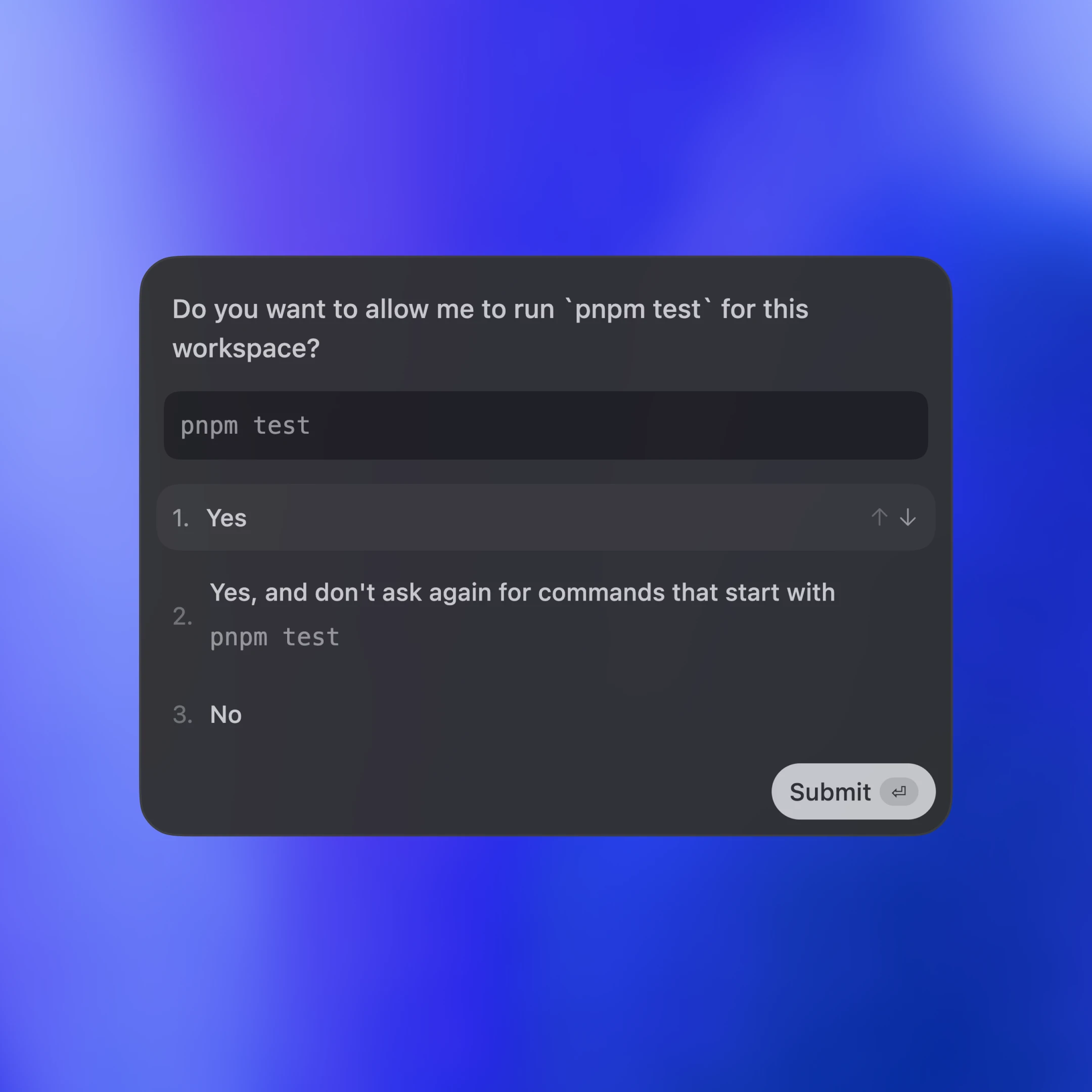
Tool calls are also sent back to the client as items. Additionally, the server may ask for client approval before it can run an action by sending a server request. The approval will pause the turn until the client replies with either “allow” or “deny.” This is what the approval flow looks like in the VS Code extension:

In the end, the server sends an agent message and then ends the turn with turn/completed. The agent message delta events stream pieces of the message back until the message is finalized with item/completed.
ההודעות בתרשים פושטו כדי להקל על הקריאה. כדי לראות את ה-JSON של תור שלם, אפשר להריץ את לקוח הבדיקה ממאגר הקוד של Codex CLI:
כעת נבחן איך ממשקי לקוח שונים משלבים את Codex באמצעות App Server. נסקור שלושה דפוסי שילוב: יישומים מקומיים וסביבות פיתוח, סביבת ההרצה של Codex באינטרנט וממשק ה-TUI.

בשלושתם, התקשורת מתבצעת ב-JSON-RPC על גבי stdio (JSONL). JSON-RPC מקל על בניית קוד הקישור של הלקוח בשפה לבחירתכם. בממשקי Codex ובשילובים של שותפים מומשו לקוחות App Server בשפות שונות, ובהן Go, Python, TypeScript, Swift ו-Kotlin. ב-TypeScript אפשר ליצור הגדרות ישירות מהפרוטוקול ב-Rust באמצעות הפקודה:
לשפות אחרות, אפשר ליצור חבילת JSON Schema ולהזין אותה למחולל הקוד המועדף עליכם באמצעות הפקודה:
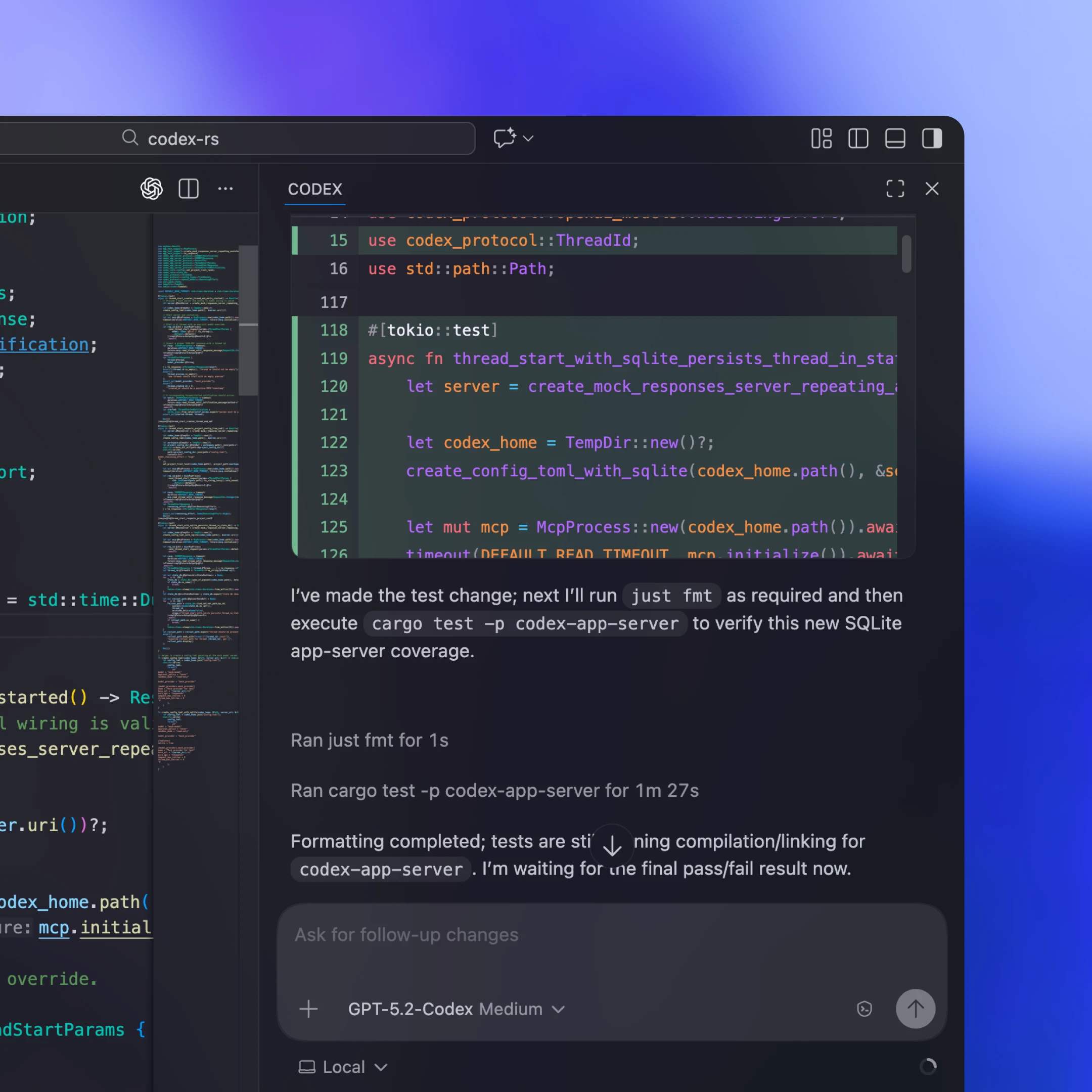
לקוחות מקומיים בדרך כלל כוללים או מורידים קובץ בינארי של App Server המותאם לפלטפורמה, מפעילים אותו כתהליך בן שפועל לאורך זמן ומשאירים ערוץ stdio דו-כיווני פתוח לתקשורת JSON-RPC. לדוגמה, בהרחבה שלנו ל-VS Code וביישום שלנו למחשב, חבילת ההפצה כוללת את הקובץ הבינארי של Codex המותאם לפלטפורמה ונעולה לגרסה שנבדקה, כך שהלקוח תמיד מריץ בדיוק את הקוד שאימתנו.
לא בכל שילוב אפשר להפיץ עדכוני לקוח בתדירות גבוהה. חלק מהשותפים, כמו Xcode, מפרידים בין מחזורי ההפצה: הם משאירים את הלקוח ללא שינוי ומאפשרים לו להפנות לקובץ בינארי חדש יותר של App Server לפי הצורך. כך הם יכולים לאמץ שיפורים בצד השרת (למשל, compaction אוטומטי משופר בליבת Codex או תמיכה במפתחות תצורה חדשים) ולהפיץ תיקוני באגים בלי להמתין לגרסת לקוח חדשה. ממשק ה-JSON-RPC של App Server מתוכנן לתאימות לאחור, כך שלקוחות ישנים יכולים לתקשר בבטחה עם שרתים חדשים יותר.
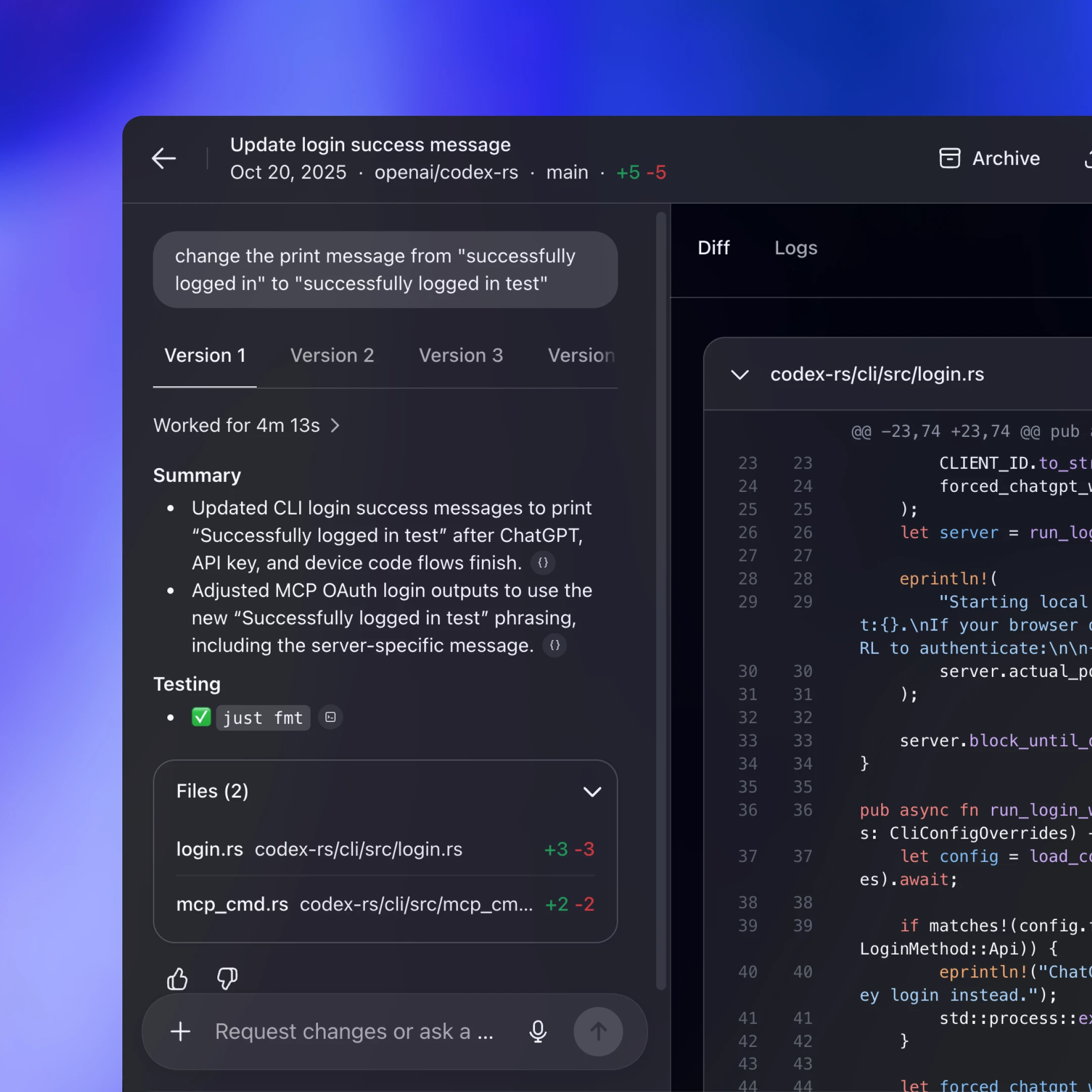
Codex באינטרנט משתמש ב-harness של Codex, אך מריץ אותו בסביבת קונטיינר. תהליך worker מכין קונטיינר עם סביבת העבודה שנמשכה ממאגר הקוד, מפעיל בתוכו את הקובץ הבינארי של App Server ומשאיר פתוח לאורך זמן ערוץ JSON-RPC על גבי stdio2. יישום האינטרנט (שפועל בכרטיסייה בדפדפן של המשתמש) מתקשר עם צד השרת של Codex דרך HTTP ו-SSE, שדרכם מוזרמים אירועי המשימה שמפיק ה-worker. כך ממשק המשתמש בדפדפן נשאר קל משקל, ואנחנו עדיין נהנים מסביבת הרצה אחידה במחשב ובאינטרנט.
מכיוון שהפעלות באינטרנט הן זמניות (כרטיסיות נסגרות, חיבורי רשת מתנתקים), יישום האינטרנט לא יכול להיות מקור המידע הקובע למשימות ממושכות. שמירת המצב וההתקדמות בשרת מאפשרת לעבודה להימשך גם כשהכרטיסייה נסגרת. פרוטוקול ההזרמה והשרשורים השמורים מאפשרים להפעלה חדשה להתחבר מחדש בקלות, להמשיך מהמקום שבו נעצרה ולהתעדכן במה שקרה מאז, בלי לשחזר את המצב בצד הלקוח.
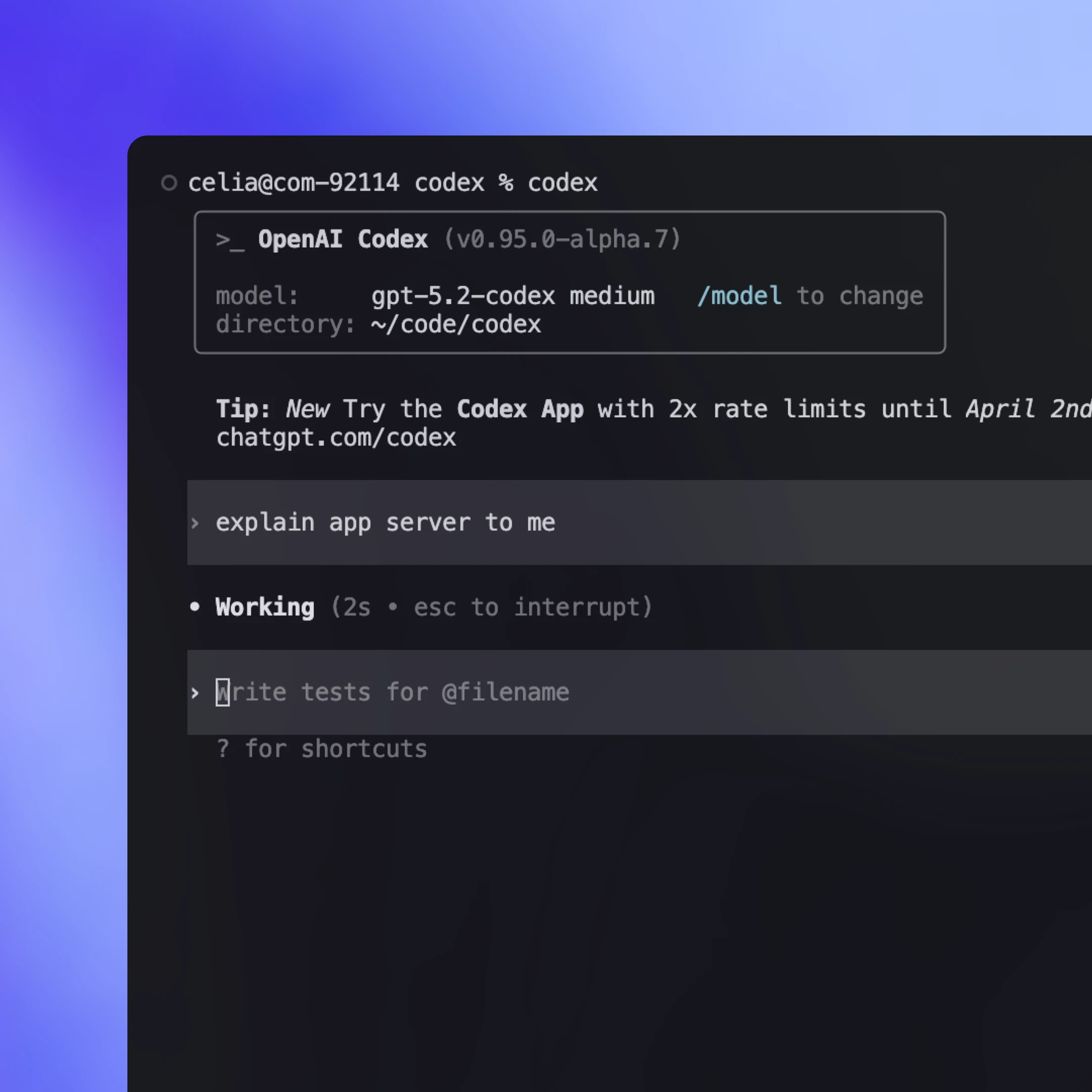
בעבר, ה-TUI היה לקוח ״מקורי״ שרץ באותו תהליך כמו לולאת הסוכן ותקשר ישירות עם טיפוסי הליבה ב-Rust, במקום דרך פרוטוקול app-server. כך היה אפשר להתקדם במהירות בשלבי הפיתוח הראשונים, אבל ה-TUI גם הפך לממשק שדרש טיפול מיוחד.
כעת, כש-App Server קיים, אנחנו מתכננים לארגן מחדש את קוד ה-TUI(נפתח בחלון חדש) כדי שישתמש בו ויתנהג כמו כל לקוח אחר: יפעיל תהליך בן של App Server, יתקשר ב-JSON-RPC על גבי stdio ויציג את אותם אירועים מוזרמים ובקשות אישור. כך מתאפשרים תהליכי עבודה שבהם ה-TUI מתחבר לשרת Codex שפועל במכונה מרוחקת. הסוכן נשאר קרוב למשאבי המחשוב וממשיך לעבוד גם כשהמחשב הנייד במצב שינה או מנותק, ובמקביל העדכונים בזמן אמת ואפשרויות השליטה זמינים מקומית.
Codex App Server יהיה שיטת השילוב המרכזית שנתחזק מעתה והלאה, אבל יש גם שיטות אחרות עם יכולות מוגבלות יותר. כברירת מחדל, אנחנו ממליצים ללקוחות להשתמש ב-Codex App Server לשילוב עם Codex, אבל כדאי לבחון את שיטות השילוב השונות ולהבין את היתרונות והחסרונות שלהן. להלן הדרכים הנפוצות ביותר להפעלת Codex והמקרים שבהם כל אחת עשויה להתאים.
הריצו codex mcp-server(נפתח בחלון חדש) והתחברו מכל לקוח MCP שתומך בשרתי stdio (למשל, OpenAI Agents SDK(נפתח בחלון חדש)). זו אפשרות מתאימה אם כבר יש לכם תהליך עבודה מבוסס MCP וברצונכם להפעיל את Codex ככלי שאפשר לקרוא לו. החיסרון הוא שתקבלו רק את מה ש-MCP חושף. לכן, אינטראקציות ייחודיות ל-Codex שמסתמכות על סמנטיקת הפעלה עשירה יותר (למשל, עדכוני diff) לא תמיד ניתנות לייצוג מלא דרך נקודות הקצה של MCP.
בחלק מהמערכות האקולוגיות יש ממשק נייד שיכול לעבוד מול ספקי מודלים וסביבות הרצה שונים. זו אפשרות מתאימה אם אתם רוצים שכבת הפשטה אחת לתיאום בין כמה סוכנים. הפשרה היא שפרוטוקולים כאלה נוטים להתמקד במכנה המשותף של היכולות. הדבר עלול להקשות על ייצוג אינטראקציות עשירות יותר, במיוחד כשיש חשיבות לסמנטיקה של כלים והפעלות הייחודית לספק. התחום מתפתח במהירות, ואנחנו צופים שיופיעו עוד תקנים משותפים ככל שנבין אילו אבני יסוד מייצגות בצורה הטובה ביותר תהליכי עבודה של סוכנים בעולם האמיתי (מיומנויות(נפתח בחלון חדש) הן דוגמה טובה לכך).
בחרו ב-App Server כשאתם רוצים לחשוף את מלוא ה-harness של Codex כזרם אירועים יציב ונוח לשילוב בממשק משתמש. תקבלו את מלוא היכולות של לולאת הסוכן, לצד תכונות תומכות כמו כניסה באמצעות ChatGPT, גילוי מודלים וניהול תצורה. העלות העיקרית היא עבודת השילוב, מכיוון שתצטרכו לבנות את קוד הקישור ל-JSON-RPC בצד הלקוח בשפה שלכם. עם זאת, בפועל Codex יכול לבצע חלק ניכר מהעבודה המורכבת אם תספקו לו את סכמת ה-JSON ואת התיעוד. צוותים רבים שעבדנו איתם הצליחו להגיע במהירות לשילוב עובד בעזרת Codex.
מצב CLI קל משקל שניתן להפעיל מסקריפטים, למשימות חד-פעמיות ולהרצות CI. הוא מתאים לאוטומציה ולתהליכי עיבוד שבהם רוצים שפקודה אחת תרוץ עד לסיום ללא אינטראקציה, תזרים פלט מובנה ליומנים ותסתיים עם חיווי ברור של הצלחה או כישלון.
ספריית TypeScript לשליטה באמצעות קוד בסוכני Codex מקומיים מתוך היישום שלכם. היא מתאימה במיוחד כשאתם רוצים ממשק ספרייה מקורי לכלים ולתהליכי עבודה בצד השרת, בלי לבנות לקוח JSON-RPC נפרד. מכיוון שהושקה לפני App Server, היא תומכת כרגע בפחות שפות וחושפת פחות יכולות. אם יהיה עניין מצד מפתחים, ייתכן שנוסיף ערכות SDK שיעטפו את פרוטוקול App Server, כדי שצוותים יוכלו לגשת ליותר מיכולות ה-harness בלי לכתוב קוד קישור ל-JSON-RPC.
בפוסט הזה הצגנו את הגישה שלנו לתכנון תקן חדש לאינטראקציה עם סוכנים, והסברנו איך להפוך את ה-harness של Codex לפרוטוקול יציב ונוח ללקוחות. סקרנו איך App Server חושף את ליבת Codex, מאפשר ללקוחות להפעיל את לולאת הסוכן במלואה ותומך במגוון רחב של ממשקים, ובהם TUI, שילובים מקומיים בסביבות פיתוח וסביבת ההרצה באינטרנט.
אם עלו לכם רעיונות לשילוב Codex בתהליכי העבודה שלכם, כדאי לנסות את App Server. כל קוד המקור זמין במאגר(נפתח בחלון חדש) הקוד הפתוח של Codex CLI. מוזמנים לשתף משוב ובקשות לתכונות חדשות. נשמח לשמוע מכם ולהמשיך להנגיש סוכנים לכולם.
מחבר/ת
תודות
תודה מיוחדת למייקל בולין, אוון לין, אריק טראוט ורסמוס ריגור, שתרמו לפוסט הזה, ולכל צוות Codex שעבד על App Server.
הערות שוליים
- 1
- 2