- יכולות
- Create talking-avatar, AI presenter, and spokesperson videos from a script or audio, Create an AI clone of yourself: a Digital Twin from a short video, or a photo avatar from an image, Clone your voice or design a custom voice from a description, Make a photo talk: turn a portrait into a lip-synced talking video, Generate AI images and headshots of a person in any scene or outfit with HeyGen Image, Generate cinematic videos and animations from text, images, or reference media with HeyGen Video 1, Create product videos, product demos, and marketing and ad videos, Turn articles, blog posts, and documents into narrated videos, Make faceless videos, explainers, and narrated picture stories, Create UGC ads: product reviews, tutorials, try-ons, unboxings, and ASMR product videos, Make videos for YouTube, YouTube Shorts, TikTok, Instagram Reels, and LinkedIn, Write video scripts and plan a recurring content series, Generate AI voiceovers with text-to-speech (TTS) in many voices and languages, Translate and dub videos into 175+ languages, like Spanish, French, German, Japanese, Chinese, Hindi, and Arabic, Lip-sync any video to new audio, Clip long videos, video podcasts, and webinars into Shorts and Reels, and remove filler words and silences, Create personalized videos in bulk from reusable templates, Apply brand kits and glossaries, and add music and sound effects, Add motion graphics and animated captions: charts, diagrams, icons, and overlays for your videos, Manage and download your videos, avatars, voices, and templates
- קטגוריה
- עיצוב וקריאייטיב
- מפתח/ת
- HeyGen Technology Inc.
איך זה עובד
אפשר ליצור סרטונים עם אווטאר מדבר לפי תסריט משלכם, או סרטונים אחרים בבינה מלאכותית באמצעות HeyGen Video 1, על בסיס טקסט, תמונות או חומרי עזר. בפלטפורמות נתמכות, סרטונים חדשים נפתחים בנגן מוטמע בזמן היצירה, ואפשר להפעיל אותם כשהם מוכנים. אפשר לעיין בסרטונים, באווטארים, בקולות, בתרגומים, בתבניות ובנכסי המותג ב-HeyGen ולנהל אותם דרך החשבון המחובר שלכם. זמינות התכונות תלויה בהרשאות ובזכאות שלכם; יצירת תוכן מנצלת את המכסה שלכם ב-HeyGen. יצירת אווטארים וקולות מחייבת זכויות והסכמה מתאימות.
מה עוד אפשר לעשות?
הסבר על מוצר
HeyGen הפוך את תקציר המוצר הזה לסרטון הסבר עם קריינות באורך 60 שניות. התמקד בבעיה, בתועלת שיש לה ביסוס ובקריאה אחת לפעולה. השתמש רק בטענות שמופיעות בתקציר.
יצירת סרטון לקליטת עובדים
HeyGen צור מההנחיות האלה סרטון לקליטת עובדים באורך שתי דקות. שמור על סדר ברור, הסבר מונחים לא מוכרים והשתמש במידע שסופק על החברה.
הצגת עדכון על פרויקט
HeyGen צור מהעדכון הזה על הפרויקט סרטון עם קריינות באורך 90 שניות. הדגש את העבודה שהושלמה, את אבן הדרך הבאה ואת ההחלטה שהקהל נדרש לקבל.
מה כלול
אפליקציה
HeyGen
מיומנויות
- automated-content-creator
- captions
- faceless-explainer
- general-video
- motion-graphics
- narrator
- picture-video
- script-writer
- 9 נוספים
משאבים
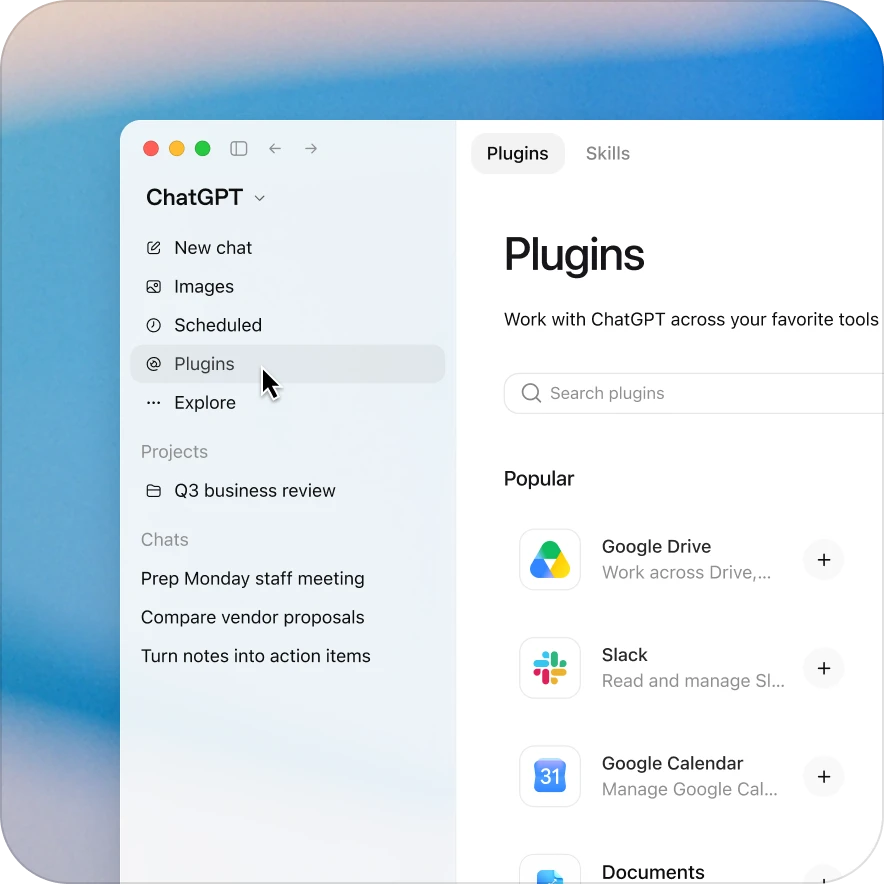
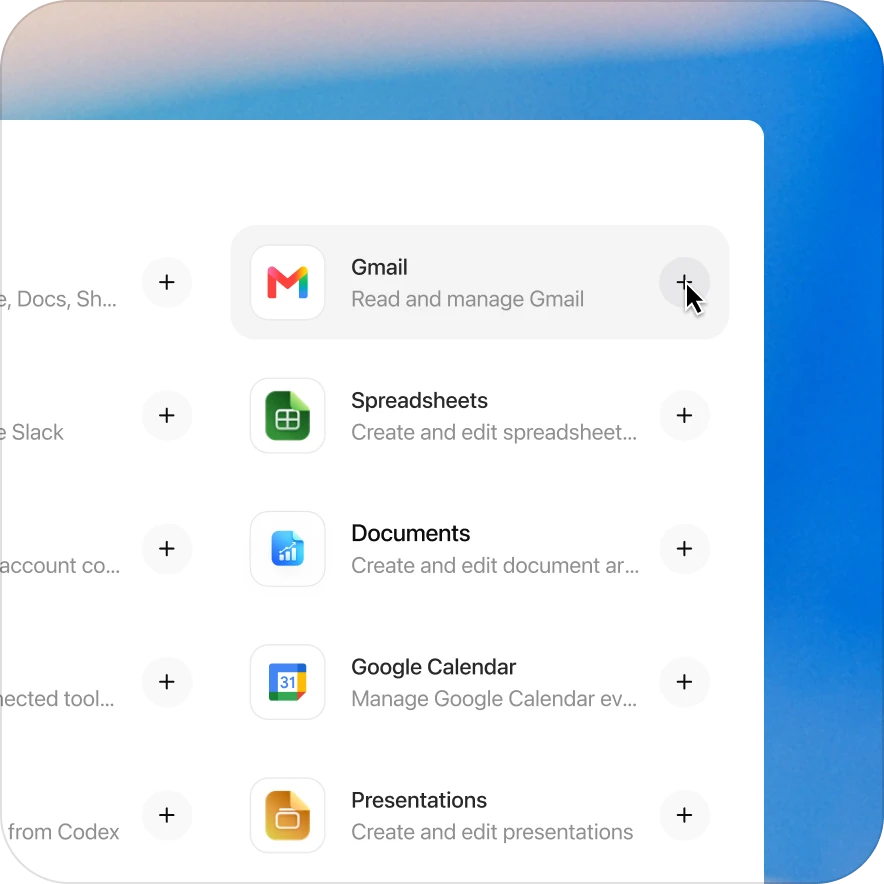
הוספת התוסף HeyGen בכמה לחיצות
הזמינות תלויה בתוסף, בתוכנית שלכם ובהגדרות ה-workspace. חלק מהחיבורים דורשים הגדרה או אישור של מנהל מערכת. אם הגישה חסומה, פנו למנהל ה-workspace שלכם.
גלו תוספים קשורים
Creative Production
עם התוסף Creative Production ב-ChatGPT אפשר ליצור, להתאים ולבדוק חומרים שיווקיים, קונספטים לקמפיינים, מודעות וקריאייטיב להשקה
Product Design
הפכו רעיונות למוצרים לעיצובים ולתוצרי מחקר
Canva
חיפוש, יצירה ועריכה של עיצובים
Cloudinary
ניהול, עריכה ואחסון של התמונות והסרטונים שלכם
AI Voice Generator
יצירת קריינות בעזרת בינה מלאכותית
Slack
חיפוש שיחות והודעות