Get started with the Codex Security plugin
Choose the setup that fits how you work. Use Desktop Codex for a guided flow, or Codex CLI for a one-command scan from a folder of code.
Choose the setup that fits how you work. Use Desktop Codex for a guided flow, or Codex CLI for a one-command scan from a folder of code.
If Codex is already installed and you’re signed in, skip to the next step.
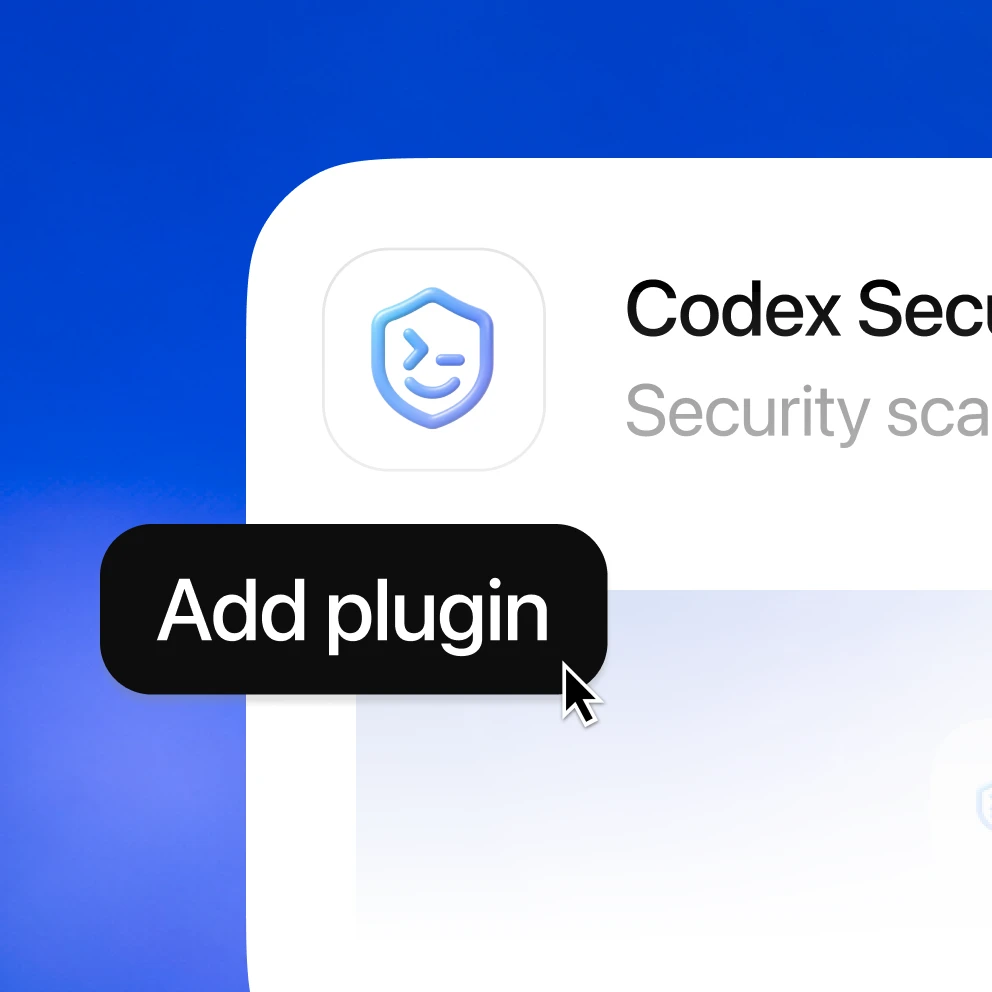
Add the plugin in Codex. After installation is complete, the button changes to “Try in chat.”
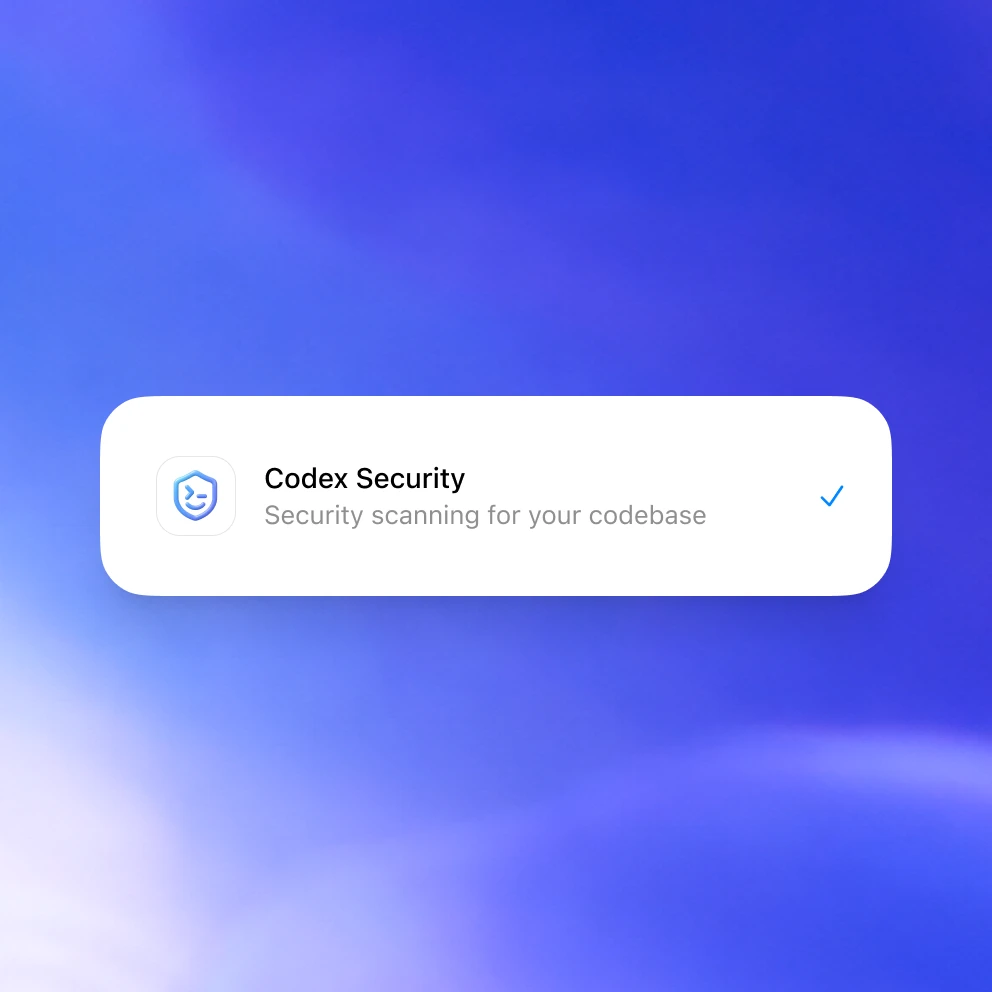
This starts a new Codex chat with a Codex Security scan prompt ready to run.
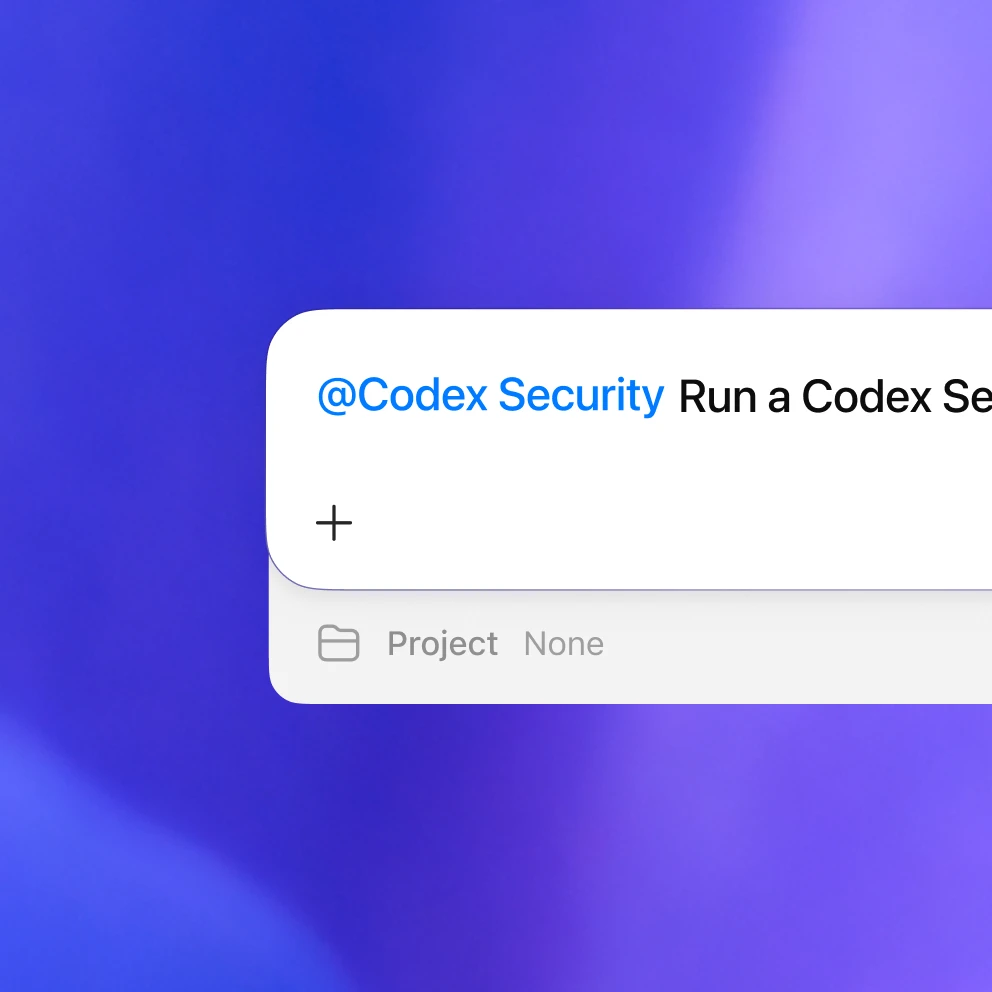
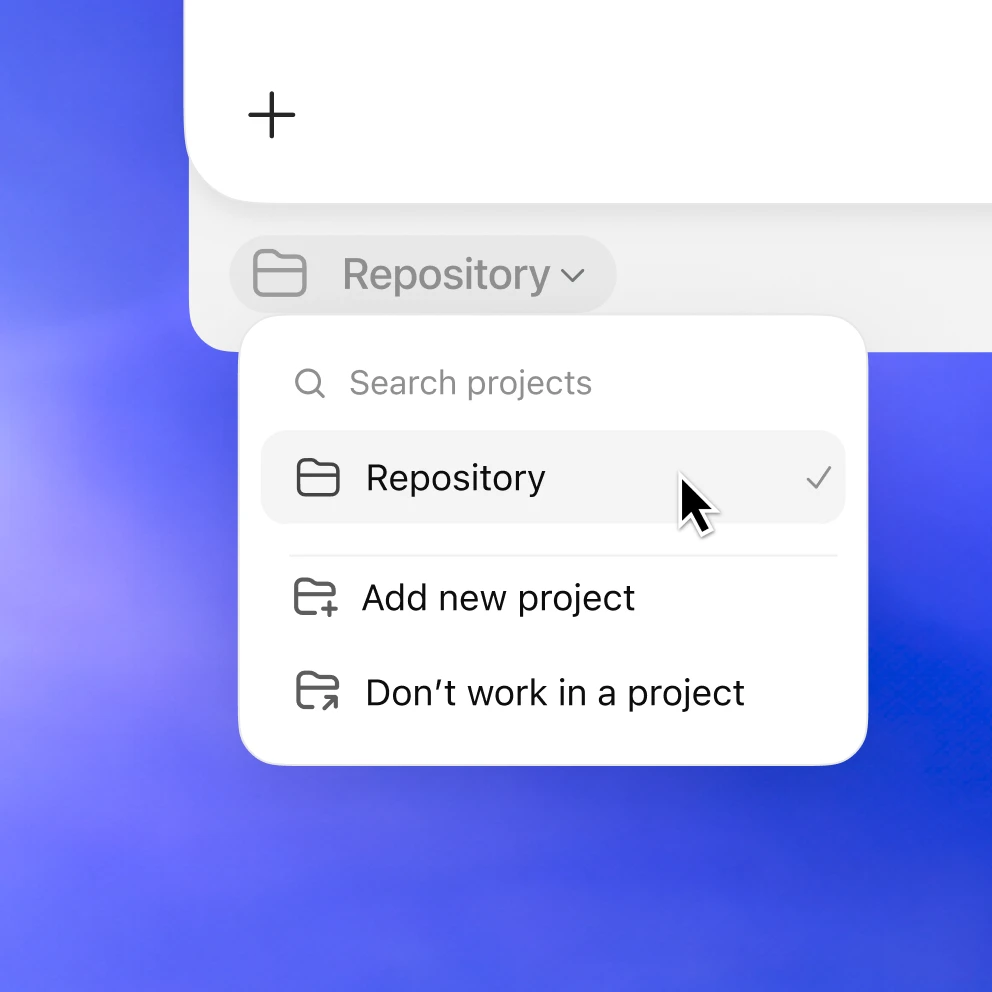
Choose a folder that contains the code you want Codex Security to review.
Codex opens with the Codex Security scan prompt ready. Press “Send” to start the scan.