- Capabilities
- Interactive, Read, Write
- Category
- Operations
- Developer
- Upwork Inc.
- Website
- (opens in a new window)
How it works
Use Upwork from your AI agent to hire freelancers and find freelance work. Clients can search freelancer profiles, draft and publish job posts, and review proposals. Freelancers can search jobs, check their dashboard and Connects balance, and draft proposals. Connects to your Upwork account through the Upwork MCP server. Actions that change your account, such as publishing a job post or submitting a proposal, require your confirmation. In order to use this app, you need to have an active Upwork account. Please contact our support team (https://support.upwork.com) for more details. Get started: sign up or log in at https://www.upwork.com, then install this plugin and connect it to your Upwork account when prompted. A getting-started guide is available at https://www.upwork.com/ai/mcp. Help and documentation: https://support.upwork.com
What else can you do?
Draft a project posting
Upwork Draft an Upwork job post from this project brief. Define deliverables, required skills, timeline, and acceptance criteria, and flag missing budget information.
Compare freelancer proposals
Upwork Compare these proposals against our project criteria. Summarize relevant experience, scope, and open questions, and recommend a shortlist for further discussion.
Review project milestones
Upwork Review this contract's milestones and recent messages. Summarize progress, upcoming commitments, and questions to resolve before approving the next stage.
What’s included
App
Upwork
Skills
- hire-on-upwork
- upwork-workflows
- write-job-post
- write-proposal
Resources
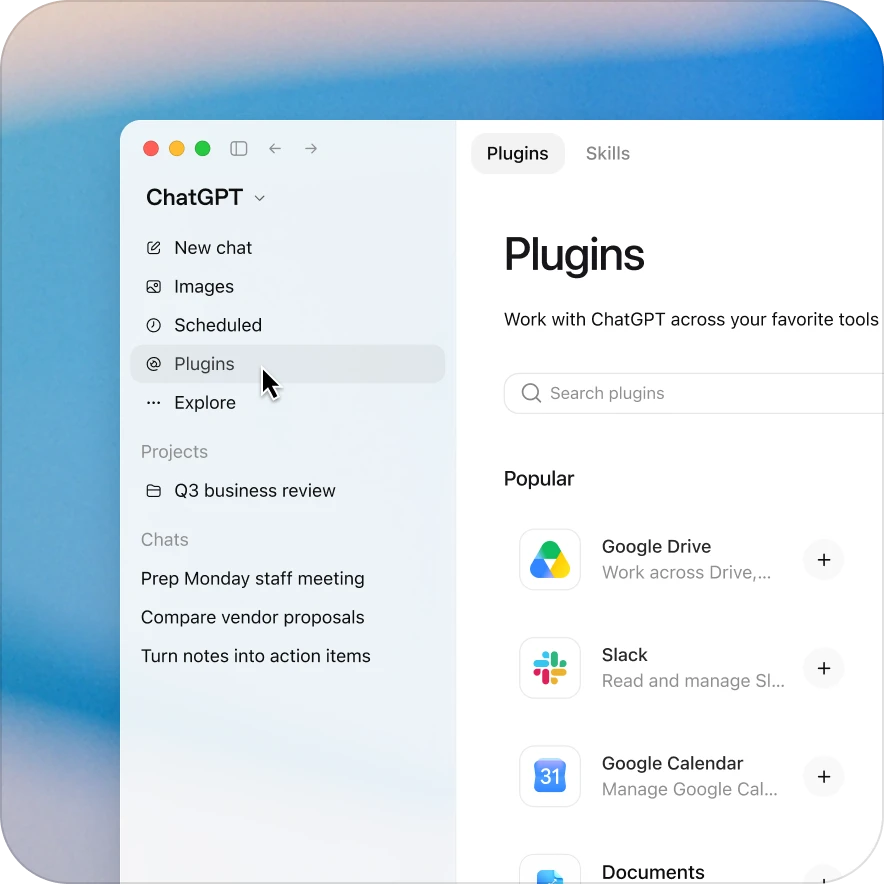
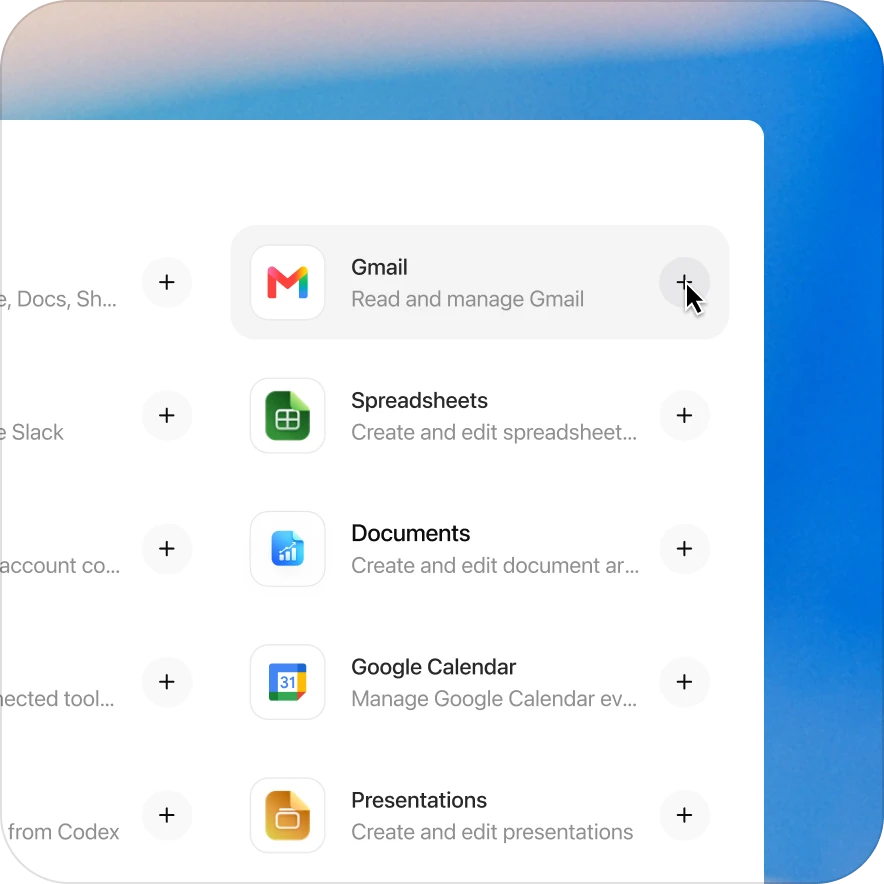
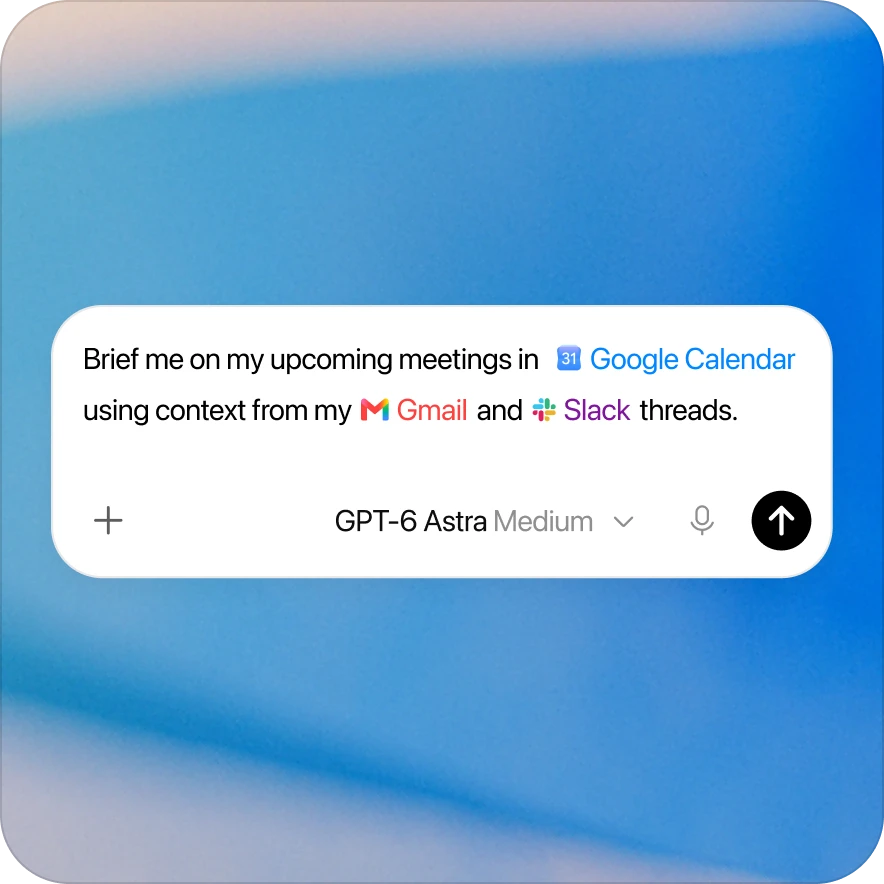
Add the Upwork plugin in a few clicks
Availability depends on the plugin, your plan, and workspace settings. Some connections require admin setup or approval. Contact your workspace admin if access is blocked.