- Category
- Operations
- Developer
- Litera
- Website
- (opens in a new window)
How it works
Litera is Legal AI that unifies the practice and business of law. The Litera plugin brings 30 years of rules-based comparison technology into ChatGPT, so lawyers can compare document versions and put their firm’s own experience to work. It searches the firm’s knowledge where lawyers already work, within existing permissions. **Compare Document Versions (Litera Compare)** Upload two versions of a document and compare them without leaving ChatGPT. A rules-based engine detects changes between versions. Receive a redline as HTML, Word, or Word with tracked changes, a change list, and a link to the Litera viewer. **Search Firm Knowledge and Experience (Firm AI Search powered by Foundation)** Ask strategic questions in plain language about what your firm knows, which experience is most relevant, and who has the right relationships for a new opportunity. Find clients, matters, people, packets, and content across the firm, review results in a sortable table, see why each result matched, and open the full record. Results are based on the firm records each user is permitted to access. **Prerequisites:** A Litera Platform account and applicable Litera product licenses are required to use the application. Users sign in with their Litera Platform account. Results are limited to data the signed-in user is authorized to see, including ethical walls and firm permissions. This plugin works with ChatGPT. Example: in ChatGPT, ask “Show me M&A deals for banking clients in Japan” to search firm experience data, or ask to compare two document versions to create a redline and identify differences. **Intended audience:** Legal and professional-services firms using Litera software. **Important Information:** Litera is only intended for current Litera customers, and on-boarding configuration must be completed prior to using the application. To learn more, contact [sales@litera.com](mailto:sales@litera.com) Support: https://support.litera.com
What else can you do?
Find relevant firm experience
Litera Search our firm's experience for matters similar to this pitch brief. Rank the best matches, explain their relevance, and cite the underlying records.
Prepare a client brief
Litera Prepare a brief on this client using accessible firm records. Summarize relevant matters and people, and identify gaps to resolve before the meeting.
Identify internal expertise
Litera Find colleagues with experience relevant to this engagement. Explain the evidence for each match and flag where the available records are incomplete.
What’s included
App
Litera
Resources
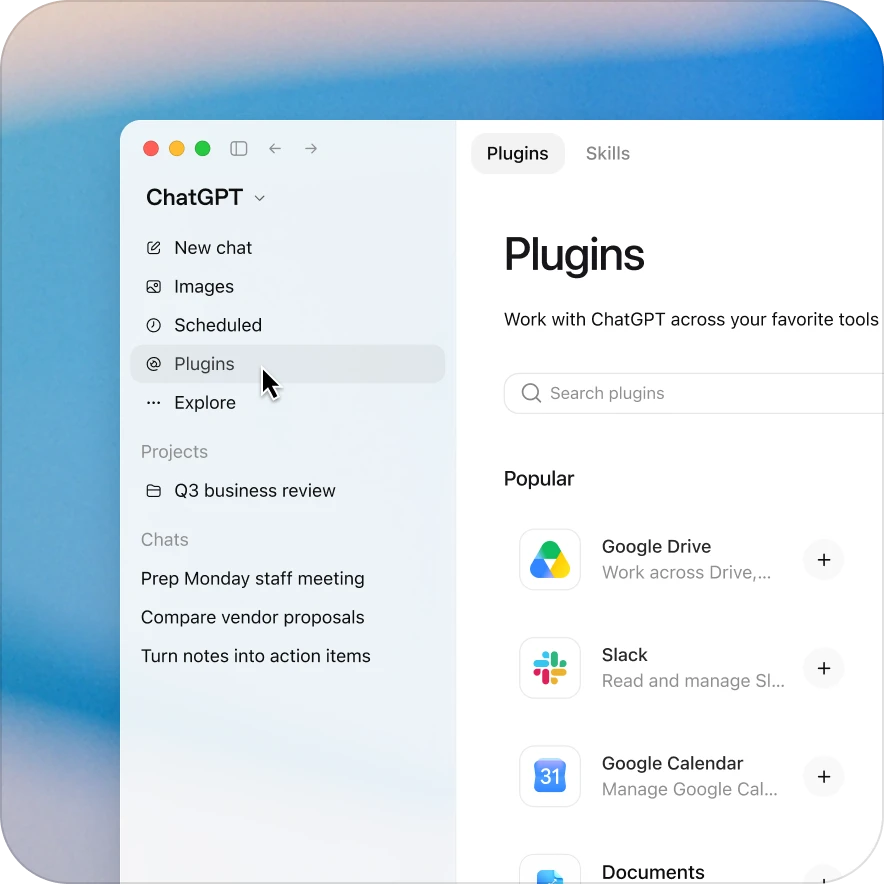
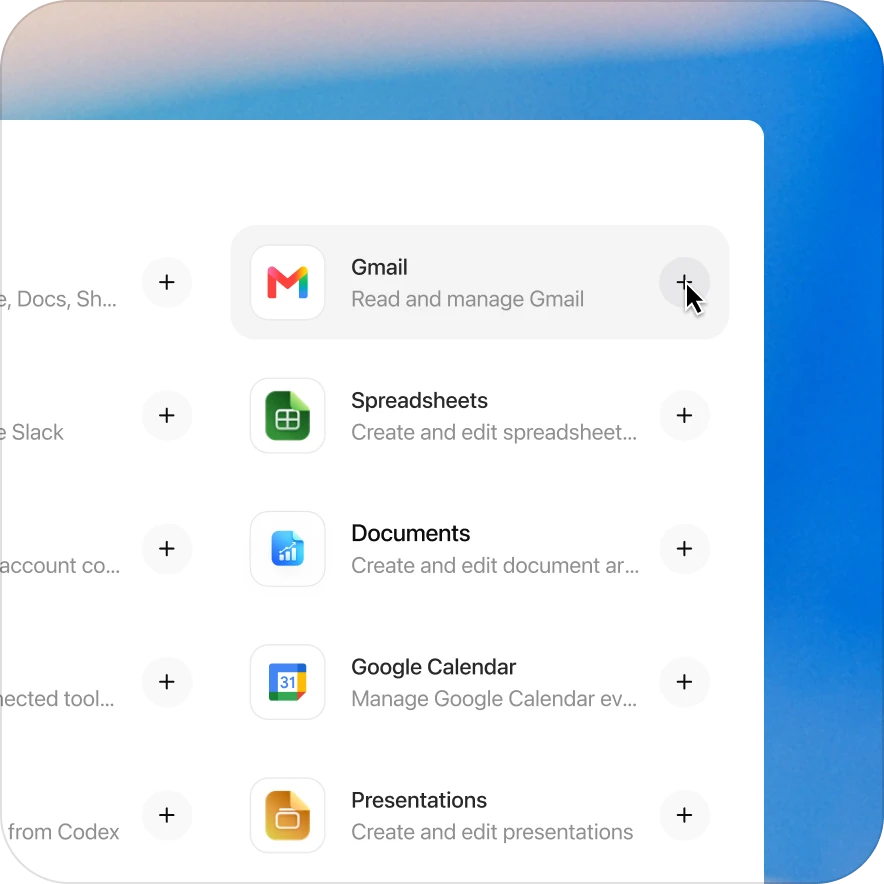
Add the Litera plugin in a few clicks
Availability depends on the plugin, your plan, and workspace settings. Some connections require admin setup or approval. Contact your workspace admin if access is blocked.