- Capabilities
- Generate video, images and audio, Edit timelines, Export finished videos, Open your projects beside the chat
- Category
- Design & Creative
- Developer
- Invideo Inc
- Website
- (opens in a new window)
How it works
Edit videos with ChatGPT by connecting it to invideo, a professional editor in your browser. Nothing to install. Upload your footage or pull it from Google Drive, describe the edit, and ChatGPT assembles the cut, grades colour, mixes sound, builds effects and motion graphics from a description or a reference, and sources or generates any media you are missing. All of it on a frame-accurate, fully editable timeline. Review the cut, direct the next pass through chat, or fine-tune it yourself with colour, audio and 3D tools, 250+ AI models and multiplayer with live cursors. First cut to final export, you stay in control.
What else can you do?
Explain a product
invideo Turn this product brief into a 60-second narrated explainer. Focus on the problem, the supported benefit, and one call to action. Use only the claims in the brief.
Create an onboarding video
invideo Create a two-minute onboarding video from these instructions. Keep the sequence clear, explain unfamiliar terms, and use the supplied company information.
Present a project update
invideo Create a 90-second narrated video from this project update. Highlight completed work, the next milestone, and the decision needed from the audience.
What’s included
App
invideo
Resources
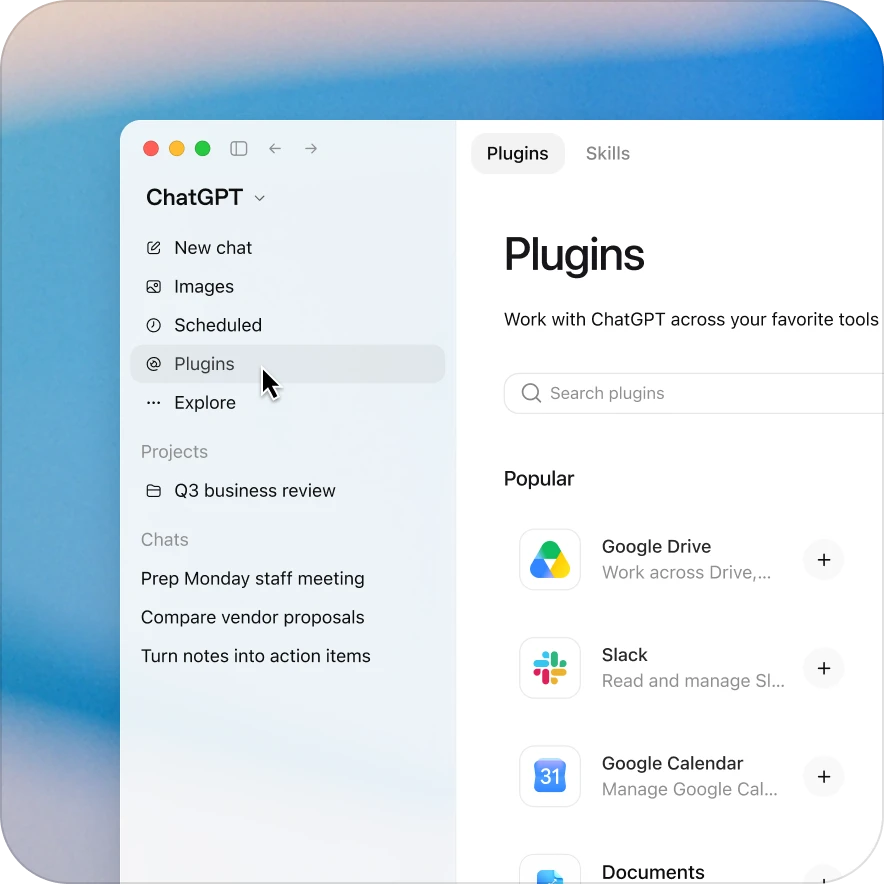
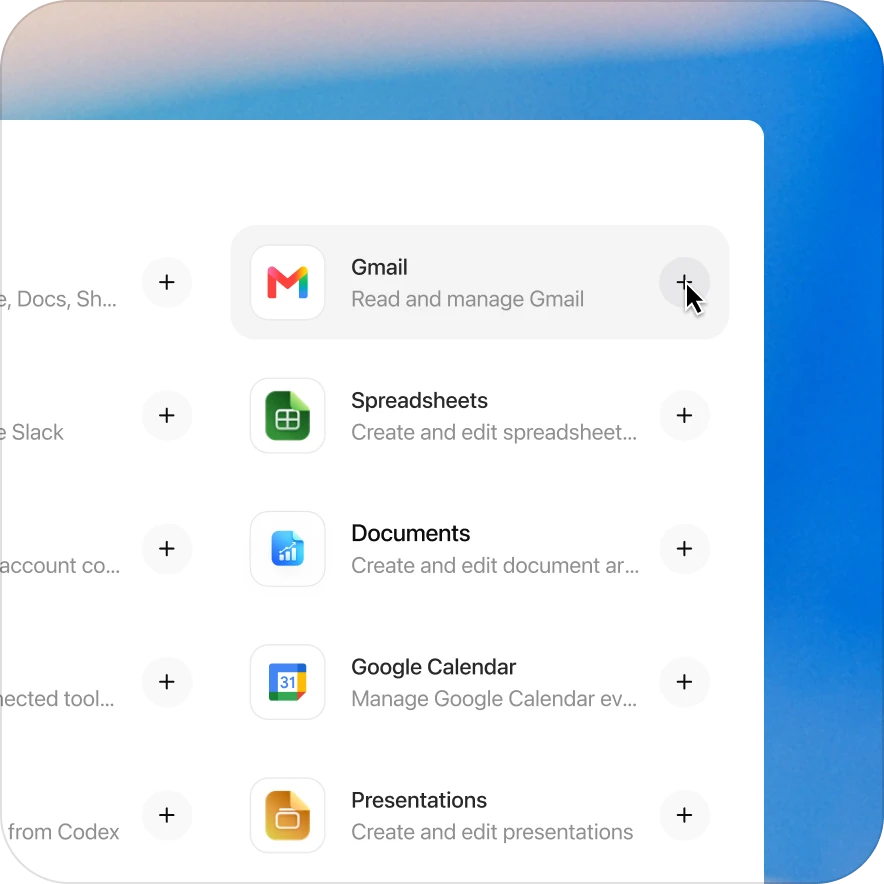
Add the invideo plugin in a few clicks
Availability depends on the plugin, your plan, and workspace settings. Some connections require admin setup or approval. Contact your workspace admin if access is blocked.
Explore related plugins
Creative Production
Use the Creative Production plugin in ChatGPT to create, adapt, and review marketing assets, campaign concepts, ads, and launch creative
Product Design
Turn product ideas into designs and research artifacts
Canva
Search, create, and edit designs
Cloudinary
Manage, modify, and host your images and videos
AI Voice Generator
Create AI voiceovers
Slack
Look up chats and messages