運作方式
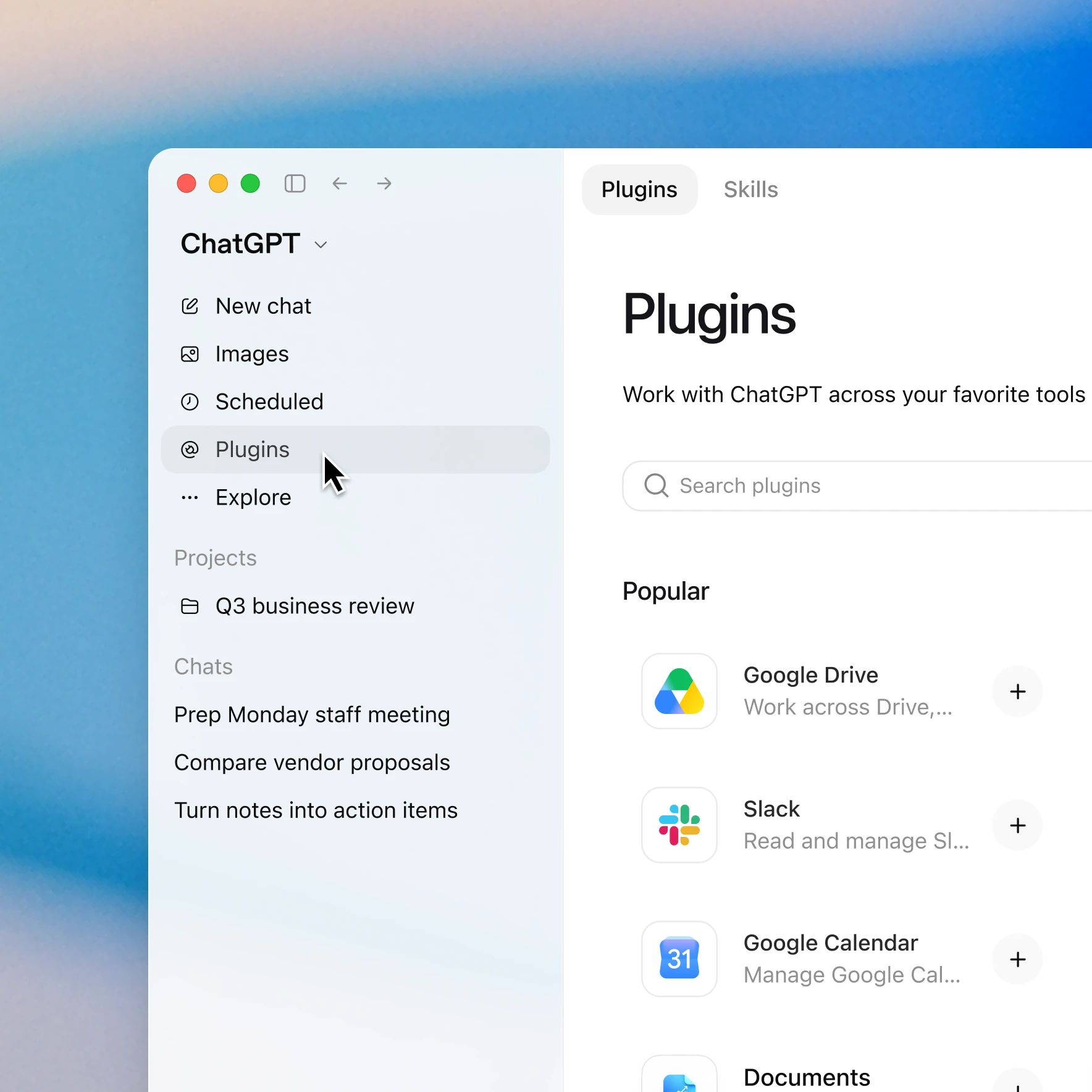
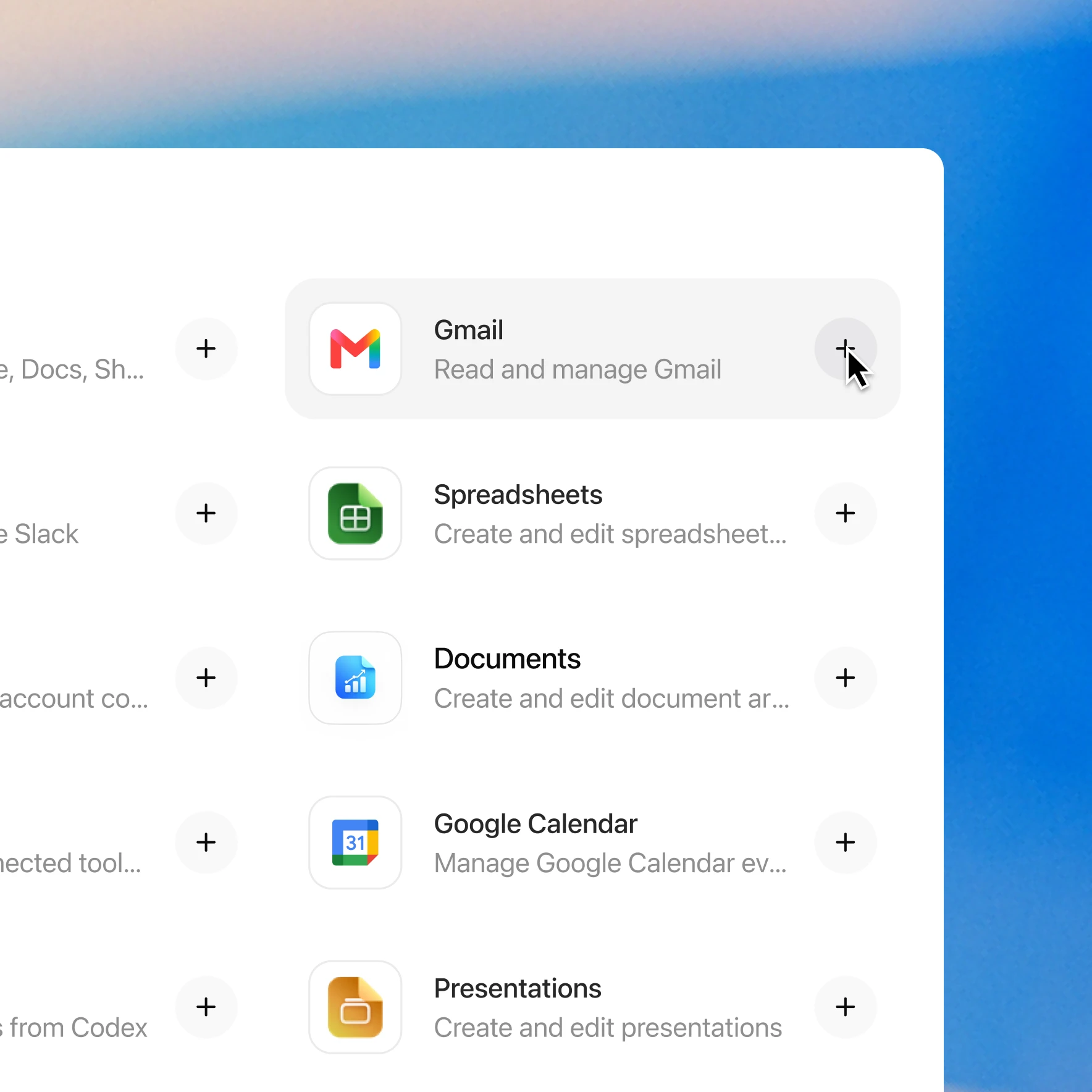
Photon enables licensed clinicians to draft, review, and send prescriptions from ChatGPT. Ask to send a prescription using the patient and treatment context you already have. Patient matching, medication search, drafting, and review are built into the flow. Review and approve the complete order before it is sent; you can continue in the conversation or hand the draft to a prescriber in Prescribe. Patient details, allergies, and medication history are synced with Photon. Prescriptions are screened for interactions as they’re drafted, and you can review and authorize each prescription before it’s sent. Patients receive a text link where they can compare pharmacies by price and convenience before choosing where to fill their prescription. You can also check existing order status and compare available pharmacy offers in ChatGPT. A pharmacy is not required to prepare an order; a destination is changed only when explicitly requested. Submission and pharmacy receipt are separate milestones. To get started, add the Photon plugin in ChatGPT and connect your existing Photon account or create one during login. Clinician verification is required to sign and send prescriptions. Controlled substances are not supported. Need help getting started? Contact us at support@photon.health.
資源
只需按幾下,即可新增 Photon 外掛程式
可用情況取決於外掛程式、你的計劃及工作區設定。部分連接須由管理員設定或批准。如存取受阻,請聯絡工作區管理員。