Način rada
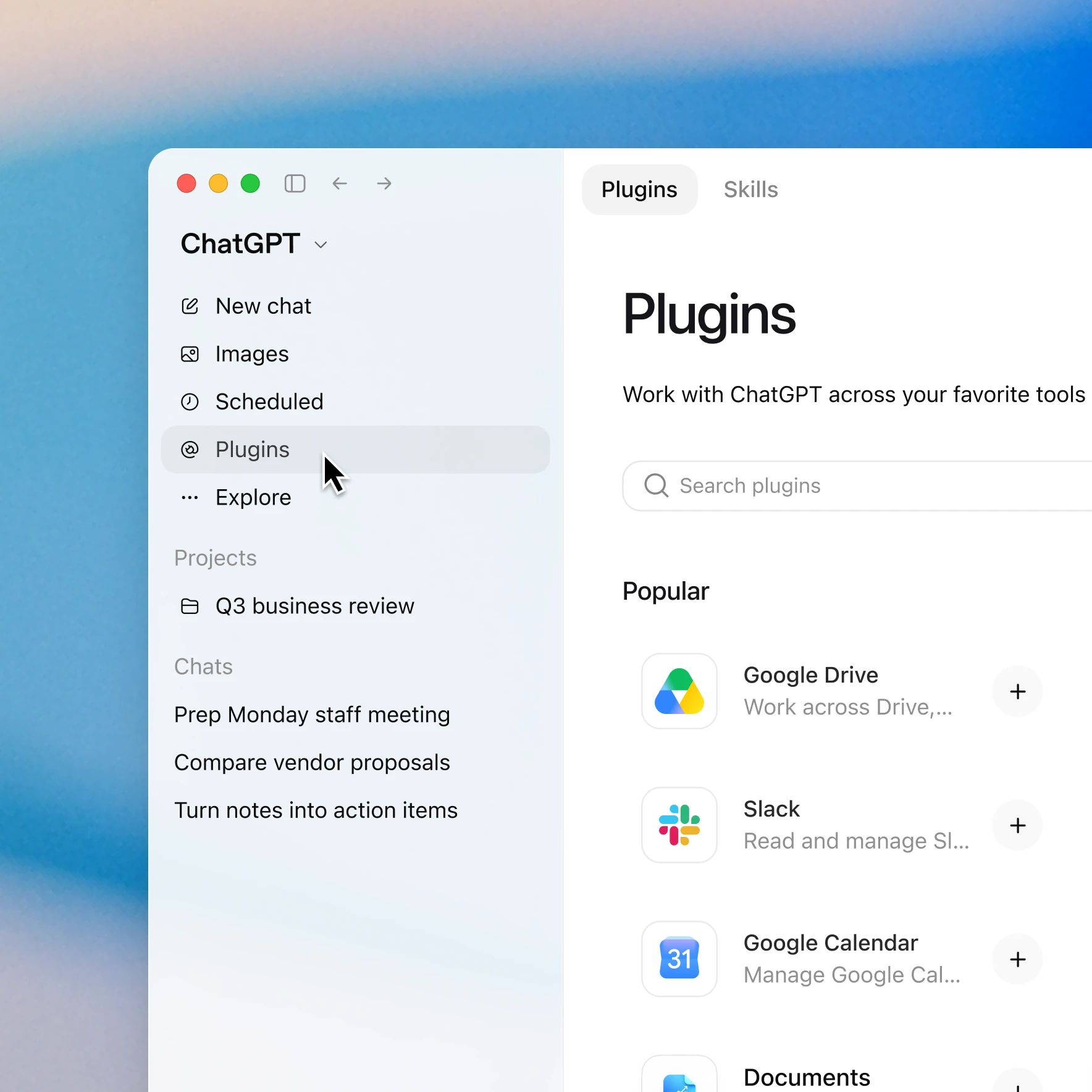
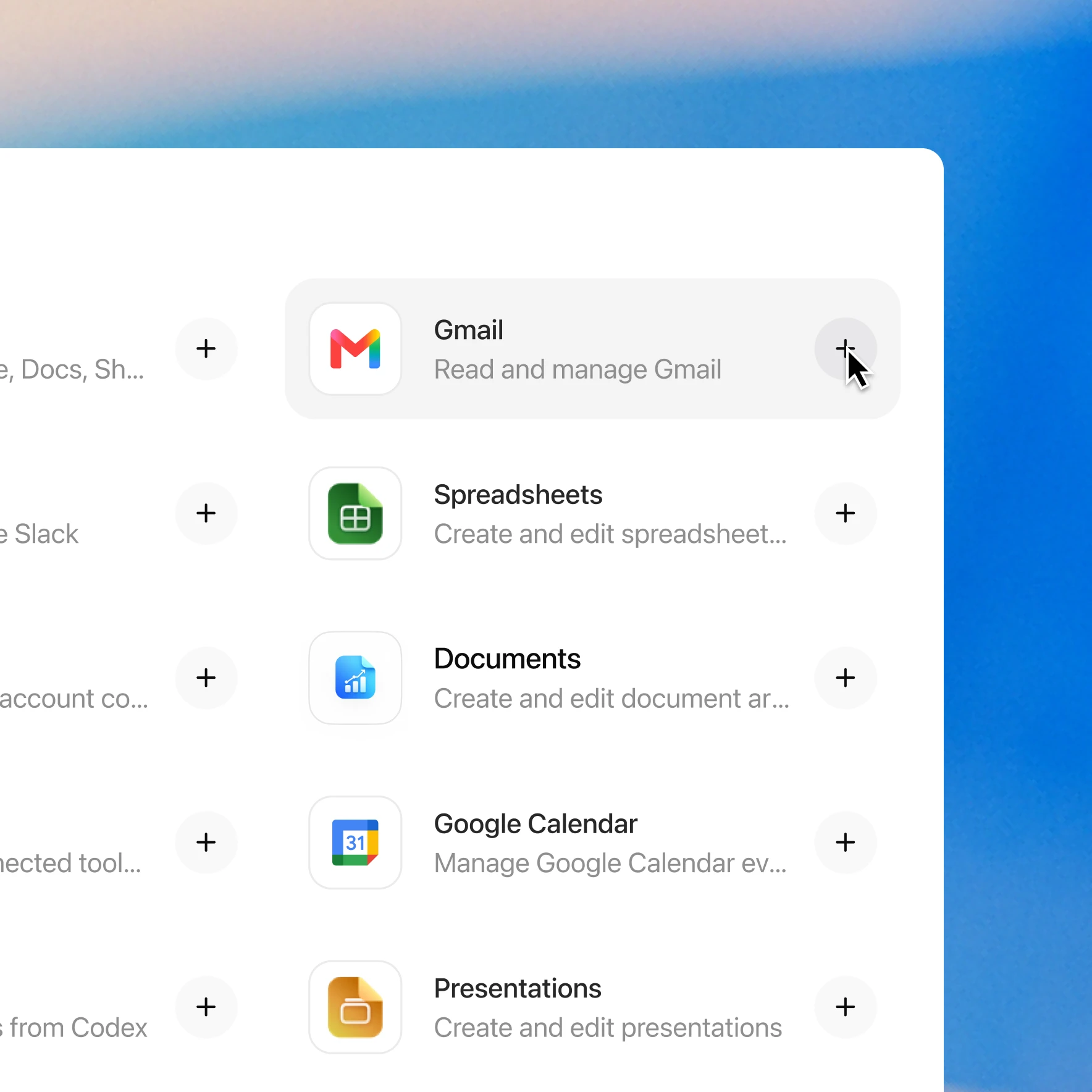
Photon enables licensed clinicians to draft, review, and send prescriptions from ChatGPT. Ask to send a prescription using the patient and treatment context you already have. Patient matching, medication search, drafting, and review are built into the flow. Review and approve the complete order before it is sent; you can continue in the conversation or hand the draft to a prescriber in Prescribe. Patient details, allergies, and medication history are synced with Photon. Prescriptions are screened for interactions as they’re drafted, and you can review and authorize each prescription before it’s sent. Patients receive a text link where they can compare pharmacies by price and convenience before choosing where to fill their prescription. You can also check existing order status and compare available pharmacy offers in ChatGPT. A pharmacy is not required to prepare an order; a destination is changed only when explicitly requested. Submission and pharmacy receipt are separate milestones. To get started, add the Photon plugin in ChatGPT and connect your existing Photon account or create one during login. Clinician verification is required to sign and send prescriptions. Controlled substances are not supported. Need help getting started? Contact us at support@photon.health.
Resursi
Dodajte plugin Photon u nekoliko klikova
Dostupnost ovisi o pluginu, vašem planu i postavkama radnog prostora. Neke veze zahtijevaju postavljanje ili odobrenje administratora. Obratite se administratoru radnog prostora ako je pristup blokiran.